
Two-factor authentication
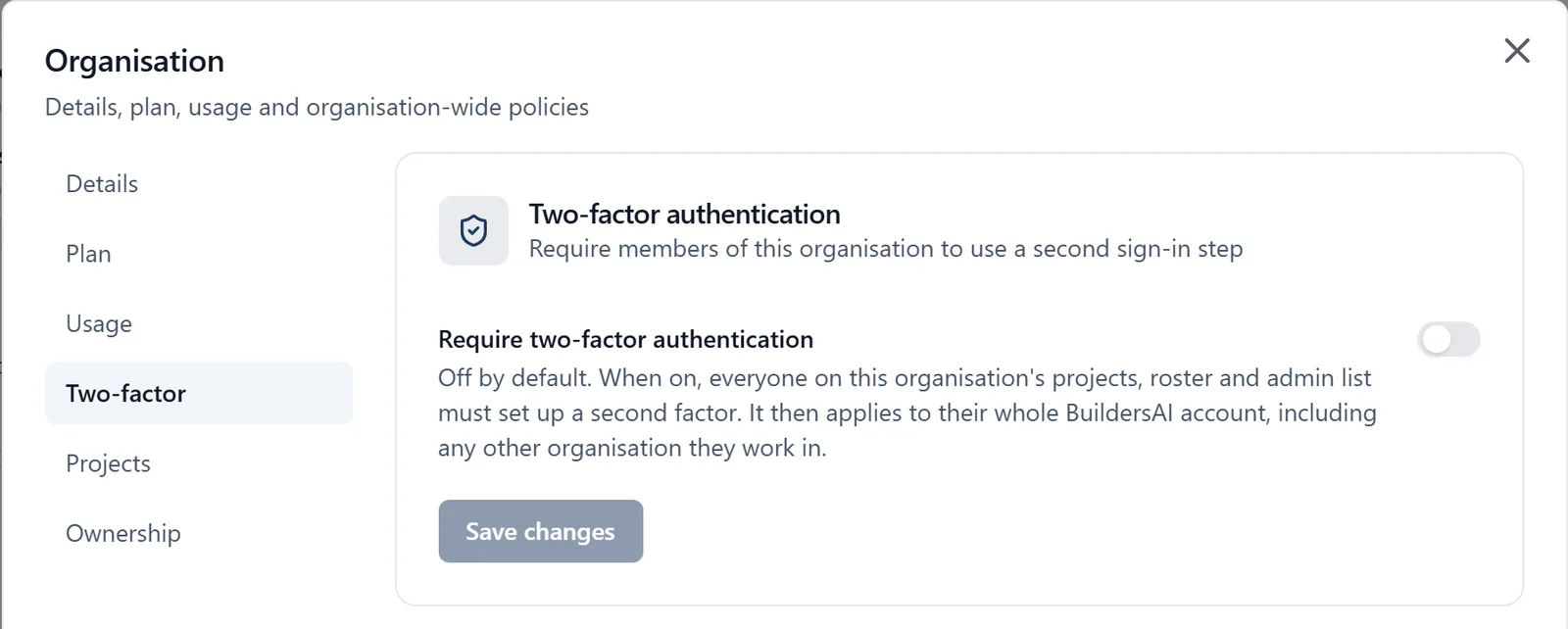
Turn on two-factor for the whole company, not just for the people who remember.
- Area
- People and access
- Works on
- Browser, Phone and tablet
- How to use it
- Help Centre guide
Construction data is commercially sensitive and increasingly a target. A password on its own is not a control.
What it does
- Two-factor authentication with an authenticator app
- An organisation can require it of everybody
- Applies to the phone app and the browser alike
Why it matters on site
Optional security is used by the people who were never the risk. Being able to require it across the organisation is the part that changes anything.
- Which plan
- This is included in every plan, from £149 a month. Plans differ by how many people they seat, not by what the software does. See pricing.
- How to use it
- The manual page for this is in the Help Centre, and it is the same guide SiteBot reads inside the app. Read the guide.
People and access 03 more
Also in people and access
| Feature |
|---|
| People and contacts One directory of everybody on the job, whether they use the app or not. |
| People planner Who goes to which site each day, planned once a week and sent to every phone. |
| Roles and permissions Let a subcontractor see their work and nothing else, without a conversation about it. |