
Site readiness
Know before the van leaves the yard whether the job is actually ready.
- Area
- Work and programme
- Works on
- Browser, Phone and tablet
- How to use it
- Help Centre guide
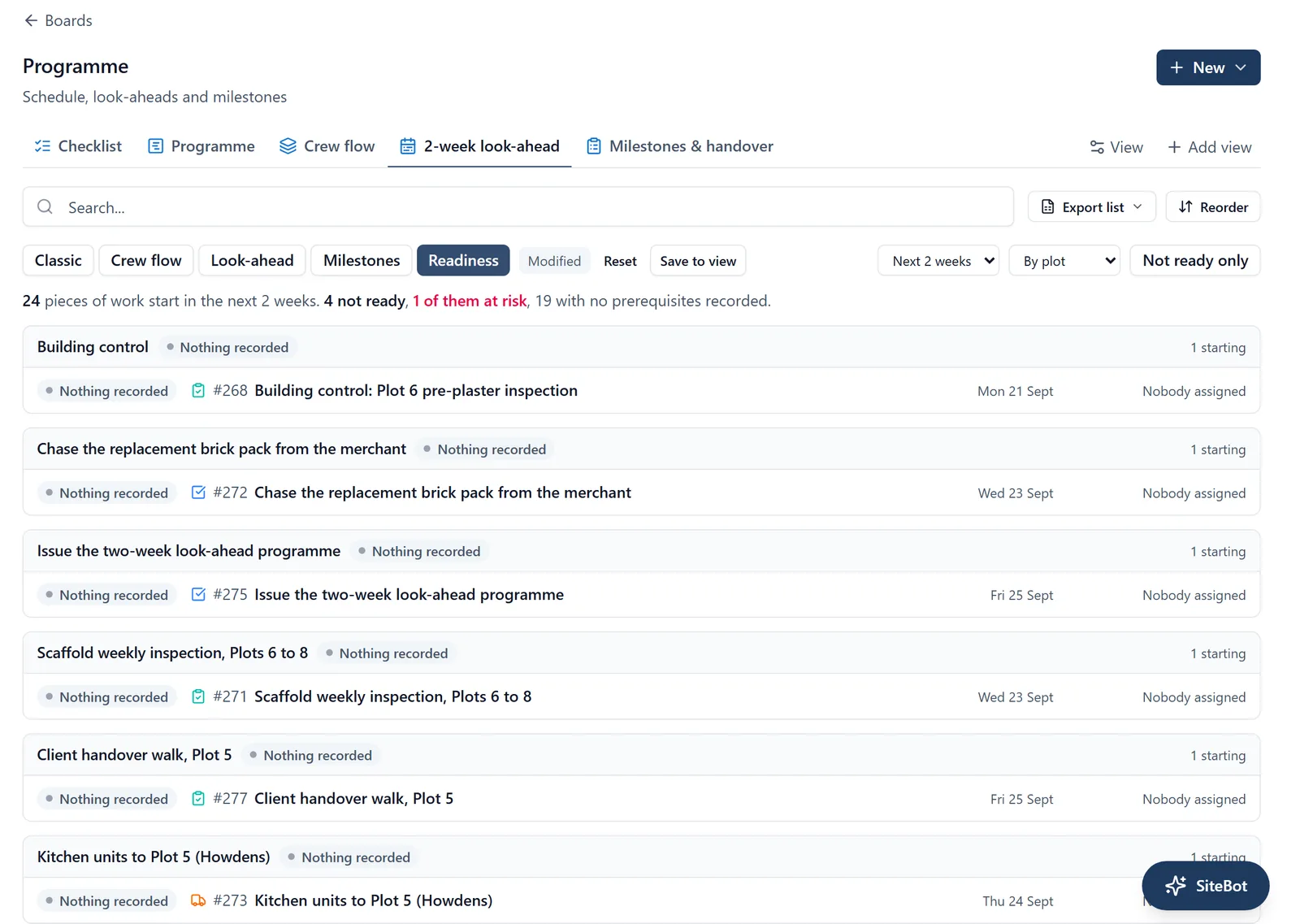
A trade turning up to a job that is not ready costs the day twice: once for them and once for whoever has to reschedule.
What it does
- State what has to be true before a piece of work can start
- The work shows whether it is ready or waiting, and on what
- Visible on the phone to the job’s admins and members, and the two-week readiness view is in a browser
Why it matters on site
The most expensive hour on a site is the one a subcontractor spends discovering that the scaffold is not up yet.
- Which plan
- This is included in every plan, from £149 a month. Plans differ by how many people they seat, not by what the software does. See pricing.
- How to use it
- The manual page for this is in the Help Centre, and it is the same guide SiteBot reads inside the app. Read the guide.
Work and programme 03 more
Also in work and programme
| Feature |
|---|
| Boards The whole job on one board, in whichever view answers the question you have. |
| Tasks, issues and reminders Raise it in ten seconds from where you are standing, with a photo attached. |
| Snag sign-off A snag is closed by the person entitled to close it, not by whoever fixed it. |