
Drawings
One current drawing, on every phone, with the old one clearly marked as old.
- Area
- Drawings and documents
- Works on
- Browser, Phone and tablet
- How to use it
- Help Centre guide
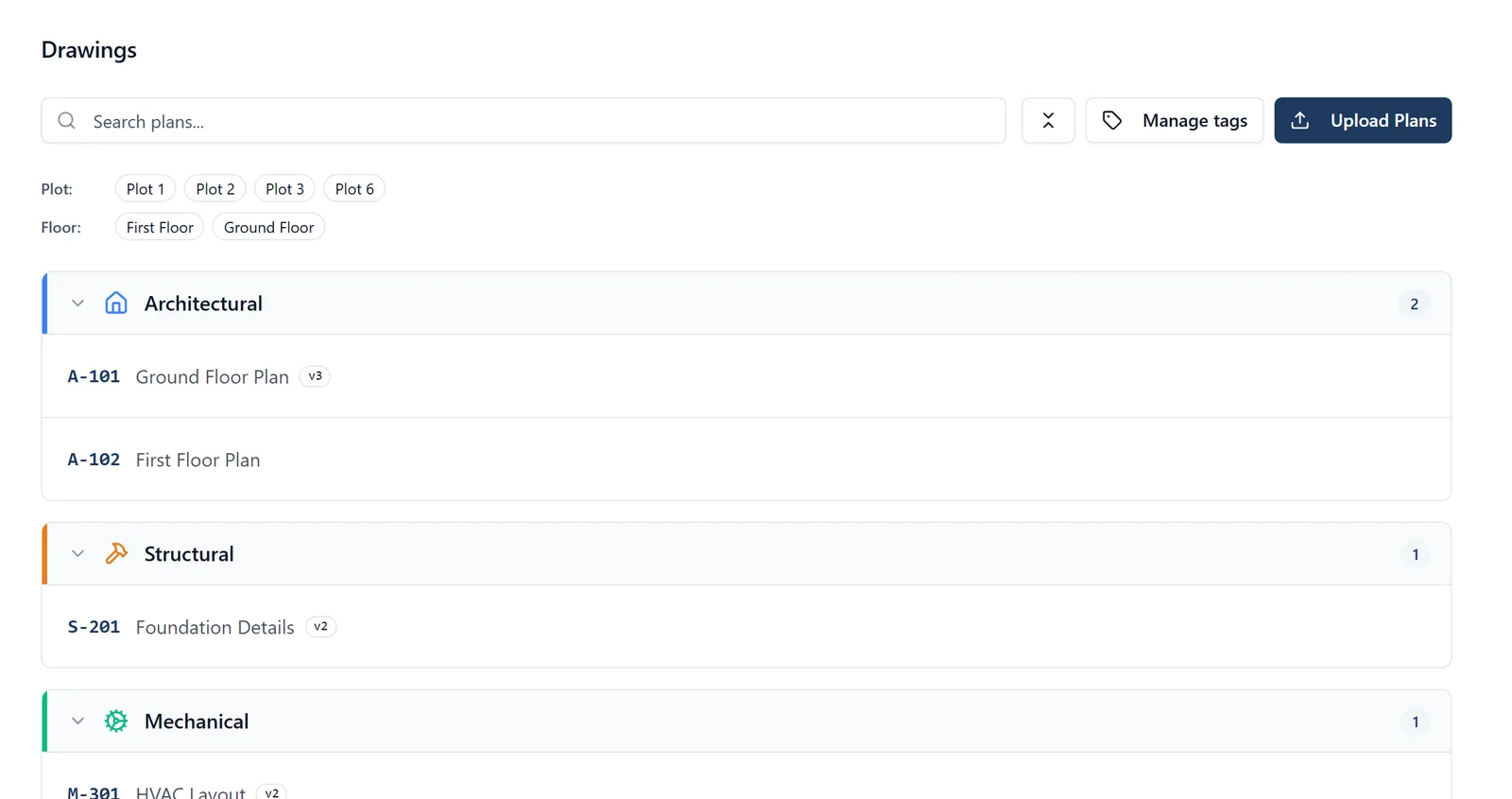
People building from an outdated drawing is the single most expensive kind of miscommunication on a UK site, and it almost always looks like everybody doing their job properly.
What it does
- Every drawing for the job, on every phone
- A new revision supersedes the old one, and the old one is marked as superseded rather than deleted
- Revisions go by the names on their title blocks, such as Rev E, P2 or C1, not v5
- When a drawing is reissued, the words on the new sheet are compared with the old one and each change is listed and boxed on the sheet. The lines are compared too, and each place the drawing looks different is marked. Every comparison says what was compared, and none ever says a drawing is unchanged
- The tasks that still have the old issue attached are listed, with the people on them
- Set a drawing’s scale in a browser and measure it: lengths, a room’s perimeter and area with a stairwell or gallery taken off, curved walls, and circles
- Zoom in on a drawing on the phone, and keep it there for when there is no signal
- Admins see, in a browser, who has not opened the current issue yet
Why it matters on site
Rework from a superseded drawing is paid for twice and blamed on nobody. Making the current revision the one that is easiest to open is how you stop it.
- Which plan
- This is included in every plan, from £149 a month. Plans differ by how many people they seat, not by what the software does. See pricing.
- How to use it
- The manual page for this is in the Help Centre, and it is the same guide SiteBot reads inside the app. Read the guide.
Drawings and documents 03 more
Also in drawings and documents
| Feature |
|---|
| What changed on a drawing When a drawing is reissued, see what changed without comparing the sheets by eye. |
| Specifications and document search Find the clause without scrolling two hundred pages of PDF. |
| Files Every document for the job in one place, including the folders you already have. |