
Tasks, issues and reminders
Raise it in ten seconds from where you are standing, with a photo attached.
- Browser
- Phone and tablet
- For directors and owners
- For site managers
- For subcontractors
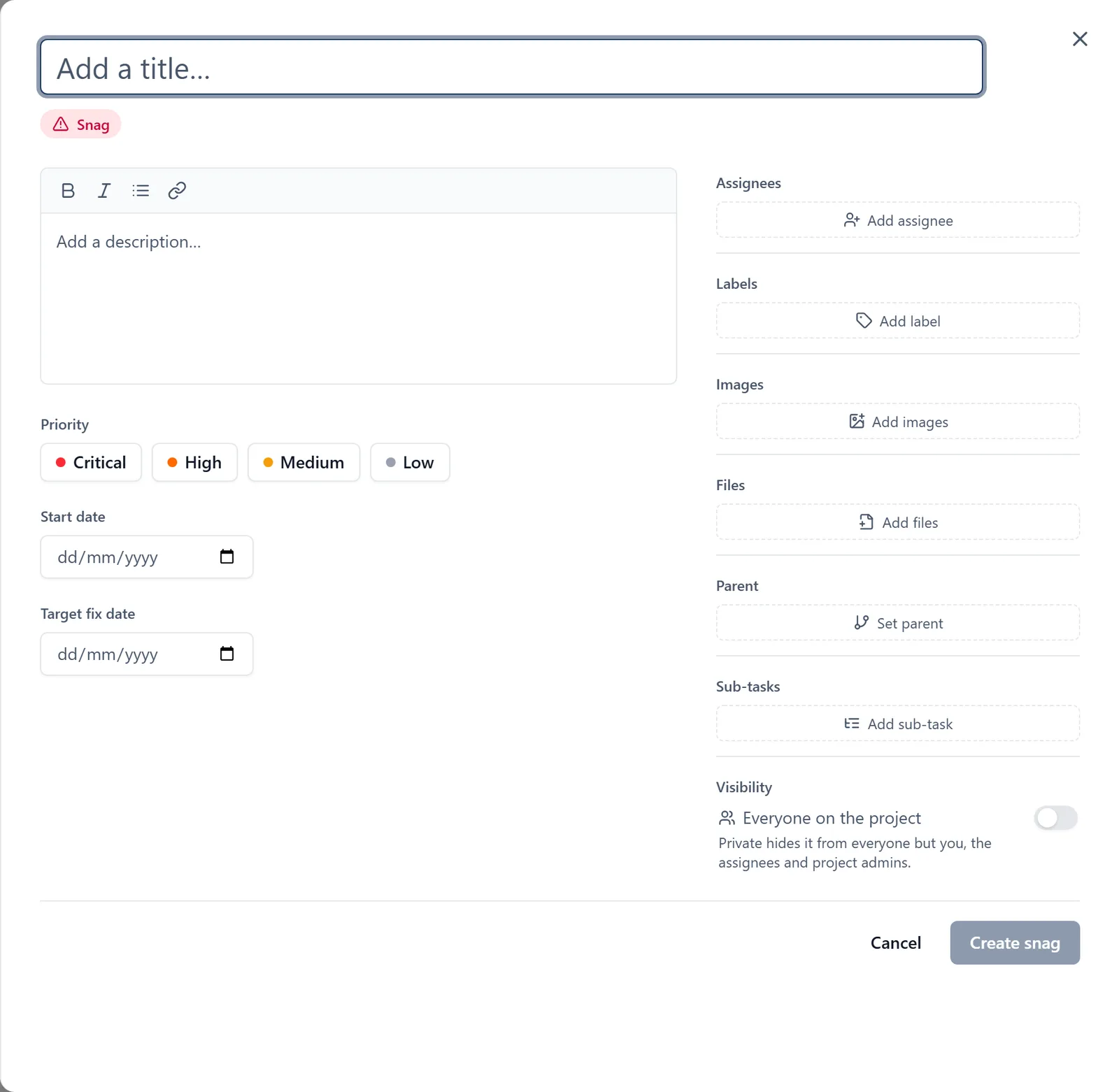
Most things that go wrong on site are noticed by somebody holding a phone, twenty metres from anywhere they could write it down.
What it does
- Raise a task, an issue or a reminder in seconds from the phone
- Put a photograph of the thing you are talking about on it, from the camera in a comment or from the gallery
- Assign it, set a due date, and watch it through to done
- Comment on it, and keep the whole thread with the work
- Print or export a job sheet from a browser for somebody working off paper
Why it matters on site
The gap between noticing a problem and recording one is where a snag list goes wrong. Shortening it to one photograph and a sentence is the entire trick.
Which plan
This is included in every plan, from £149 a month. Plans differ by how many people they seat, not by what the software does. See pricing.
How to use it
The manual page for this is in the Help Centre, and it is the same guide SiteBot reads inside the app. Read the guide.