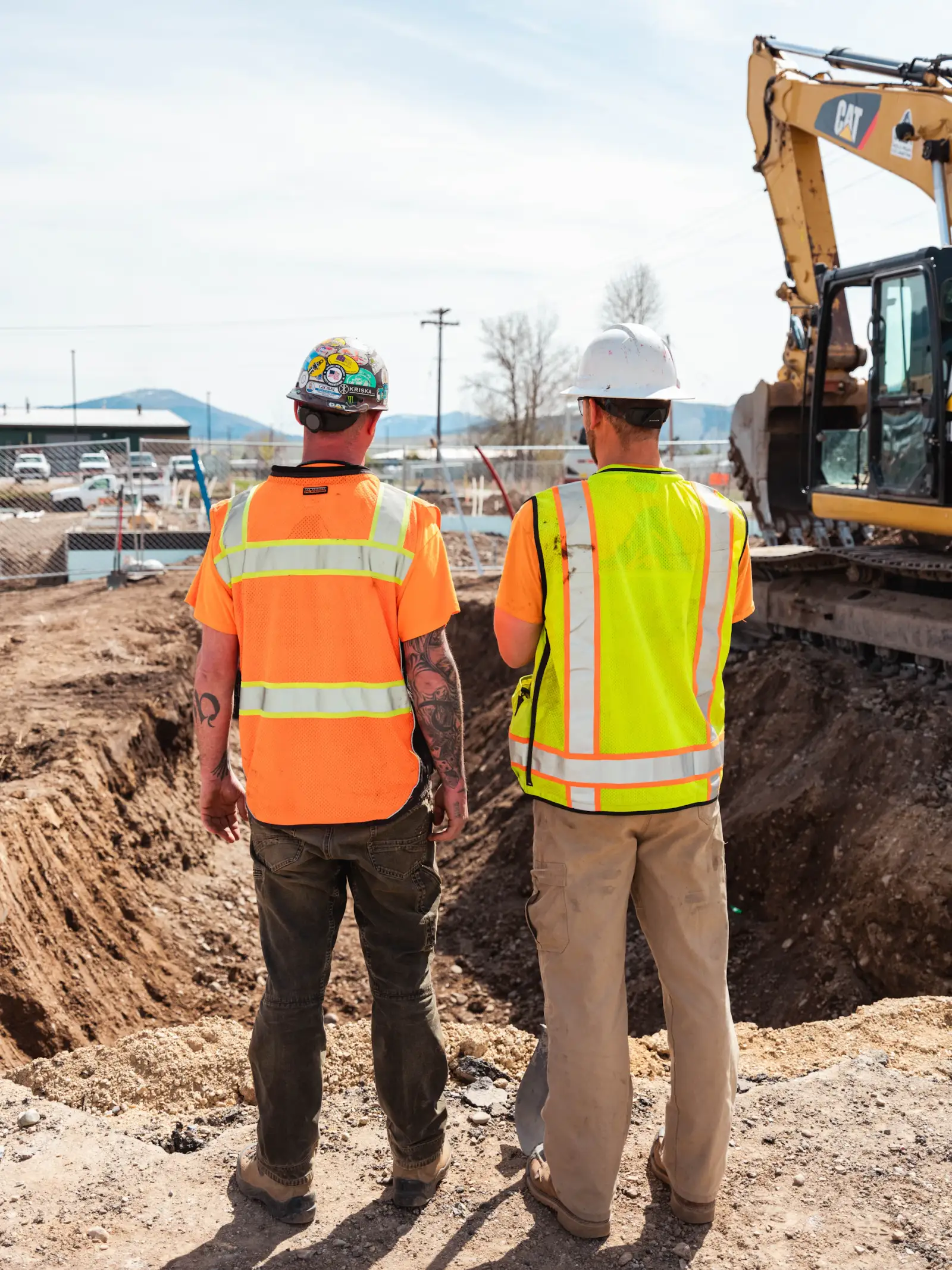
Plans in four different places.
Drawings on SharePoint, photos on WhatsApp, certs in a spreadsheet, and the latest revision in someone's email. Workers check the wrong one and build from yesterday's drawing.
For UK site managers
Your team checks the app, not you. Plans, tasks, photos and certs on every phone. So you can run the site, not the phones.
14-day free trial. Every feature. No card needed.

"It's changed how we run. The whole team works off the latest drawings, everyone knows what's on their list, and I can see who's on which site without phoning round. Support's been spot on too."

Independently backed & compliant

14-day free trial. Every feature. No card needed. Paid plans from £149/mo + VAT · No per-user fees. · See pricing →
The daily grind
Drawings on SharePoint, photos on WhatsApp, certs in a spreadsheet, and the latest revision in someone's email. Workers check the wrong one and build from yesterday's drawing.
Buried in WhatsApp where nobody re-reads. By Friday, three things that were supposed to happen on Tuesday are still not done, and no one is sure who was responsible.
A worker turns up on Monday and your CSCS card check fails at the site gate. The first time you knew was when the HSE inspector raised it.
The phone calls, the chasing, the same question three times before lunch.
That's what one place of truth fixes.
How it works
Not a feature list. The three things that kill your mornings, fixed properly.
01
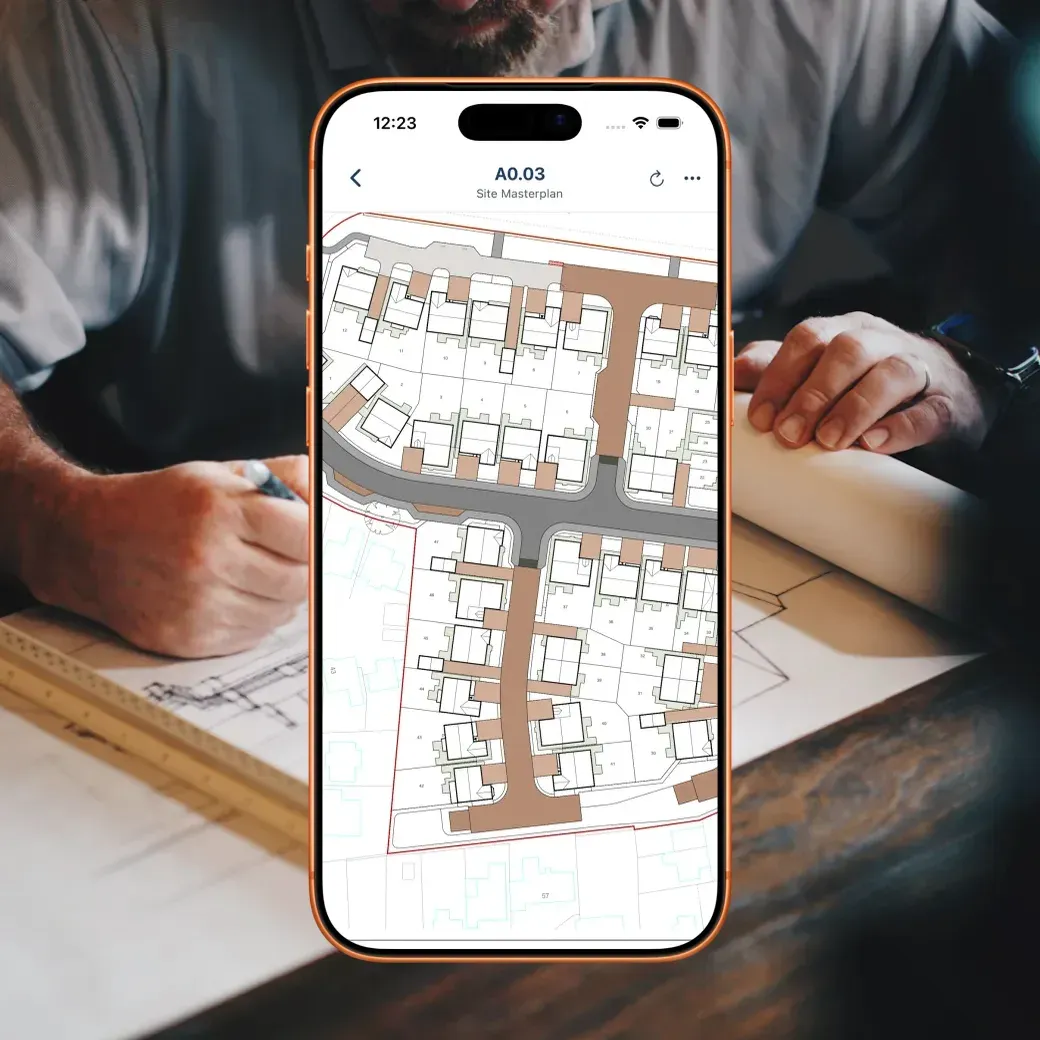
Plans, photos, tasks, certs and announcements, all in one app, pushed to every worker's phone the moment something changes. No more "which version are you on?" No more forwarding emails.
02
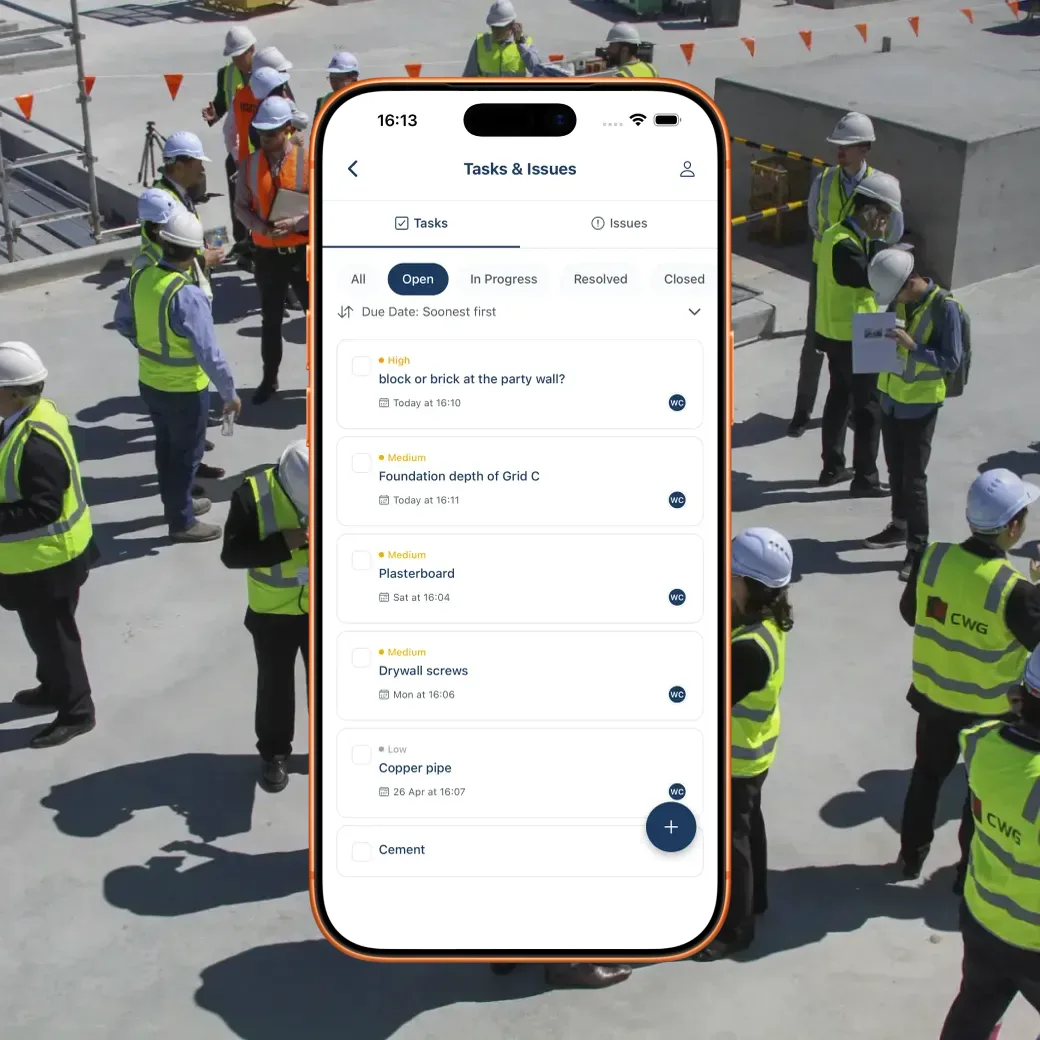
Create a task, assign it, set a due date. Workers tick it done from their phone. Every task is timestamped, every completion is logged. Nothing falls through because it was in a WhatsApp thread nobody re-read.
03
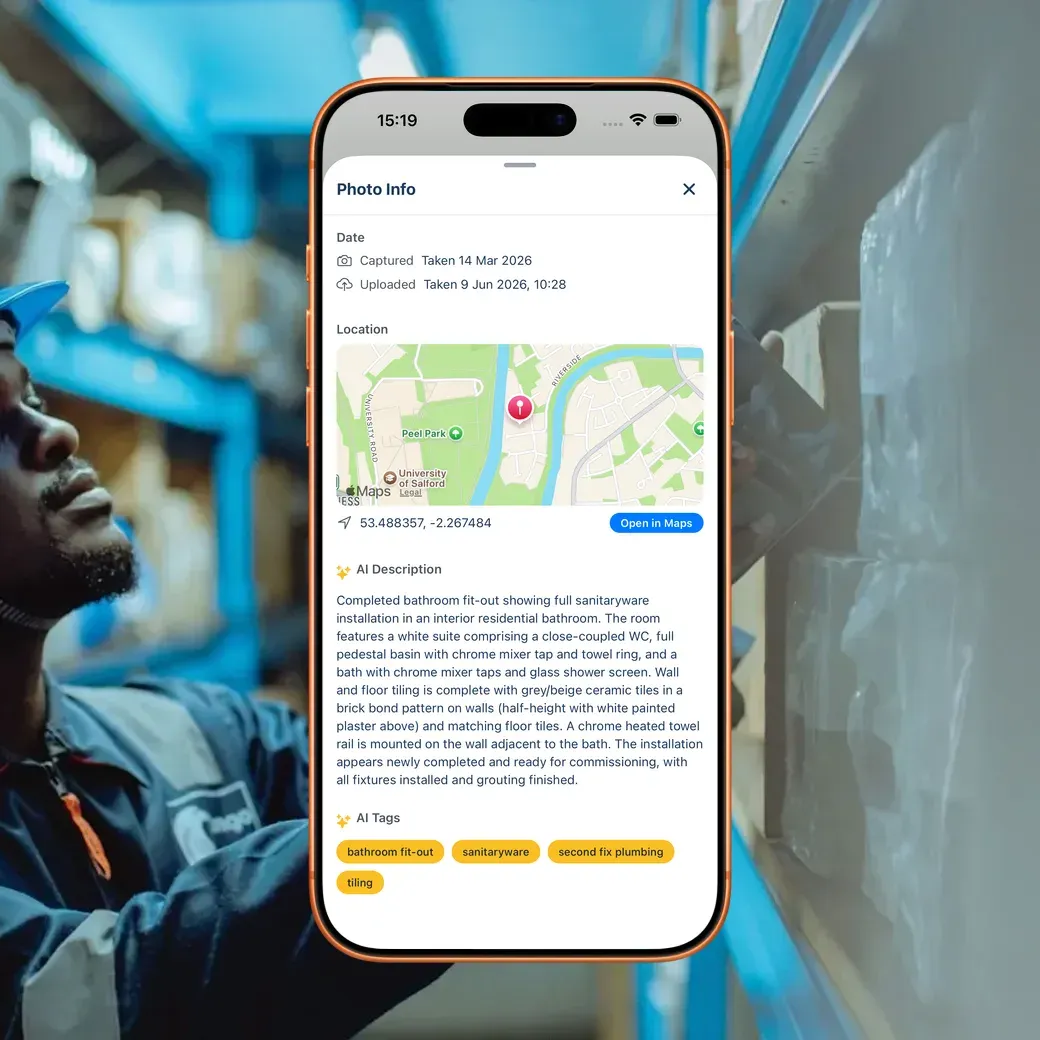
Every worker's certs live in the app with their expiry dates. You get a notification 30 and 60 days before anything expires. When HSE shows up, the audit trail is already on file.
Day in the life
Before BuildersAI
Ring three workers before 8am to find out who's actually coming in.
Spend 20 minutes hunting through WhatsApp for the photo someone said they took.
Print off drawings that are already out of date by the time they reach site.
Find out a CSCS card expired last week when the subcontractor turns up at the gate.
With BuildersAI
Check the app: crew confirmed, site presence logged, no calls needed.
Scroll to the task, see the timestamped photo attached.
Publish a new drawing revision and every phone on site has it within seconds.
Get a 30-day cert expiry alert and sort it before it becomes a problem.
"It's changed how we run. The whole team works off the latest drawings, everyone knows what's on their list, and I can see who's on which site without phoning round. Support's been spot on too."
FAQ
Quick answers. Anything else, email us and you get a real reply the same day.
Most site managers are set up and have invited their team the same afternoon. Workers download the app, accept the invite and start seeing their tasks and plans immediately. There is no training day, no lengthy onboarding.
If they can use WhatsApp, they can use BuildersAI. The app is built around the jobs workers already do: check plans, take photos, tick tasks done. Nothing is more complicated than that.
Yes. Plans, tasks and photos are available offline. If a worker takes a photo or ticks a task done without signal, it syncs automatically the moment the phone is back online. Nothing is lost.
Yes. Workers check in and out from the app on their phone, and you see who is checked in across all your sites in one view. Each check-in records how far from the site it was made, and one made well away from it is flagged for you to ask about.
Offline actions are queued on the device and synced as soon as connectivity returns. The timestamp reflects when the action actually happened, not when it uploaded. Nothing is lost or duplicated.
Get started
14-day free trial. Every feature. No card needed. Set up in an afternoon.