The 7-Day Site System

From WhatsApp chaos to a fully organised site in 7 days.

No training, no consultants, one new habit per day, each one solving a real problem from the start.

See It In Action

What happens each day

Day 1

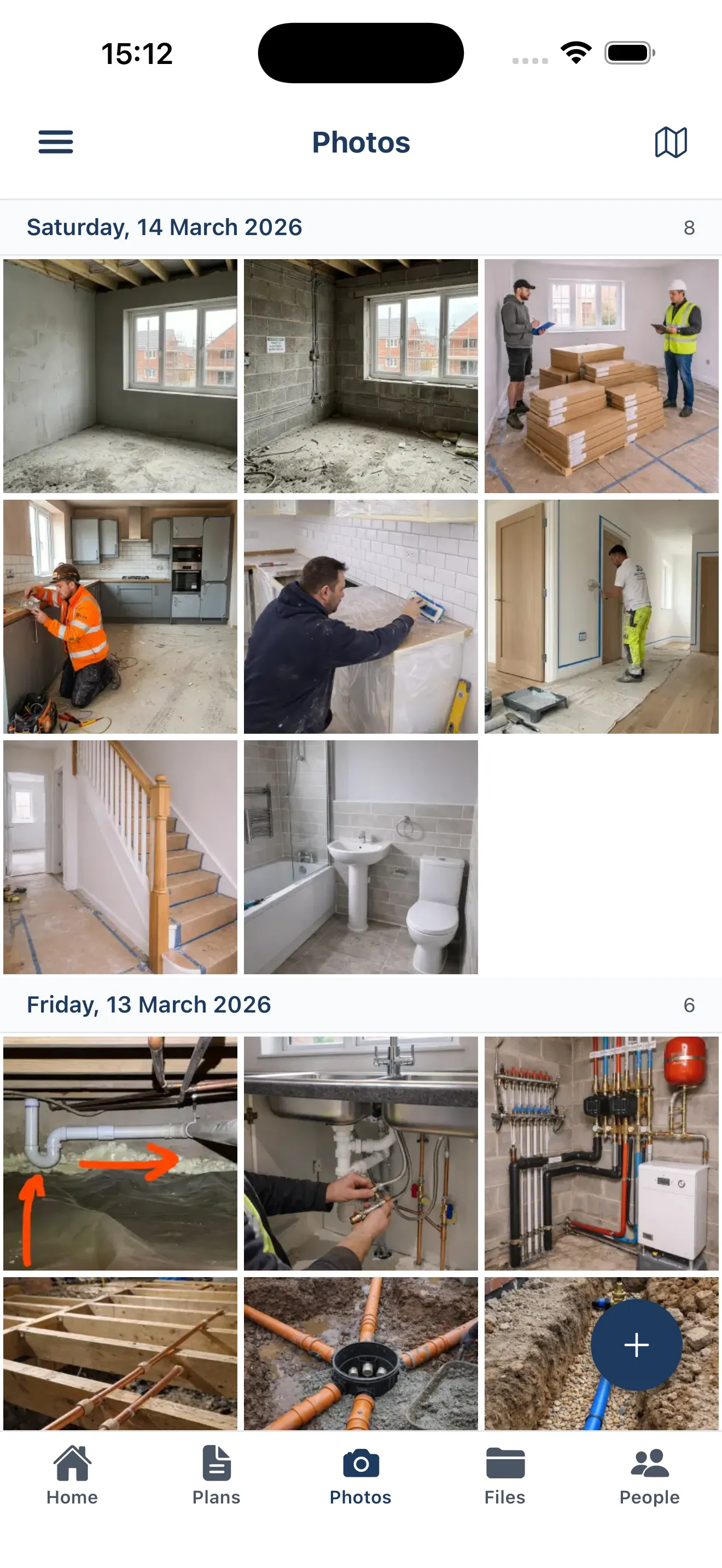
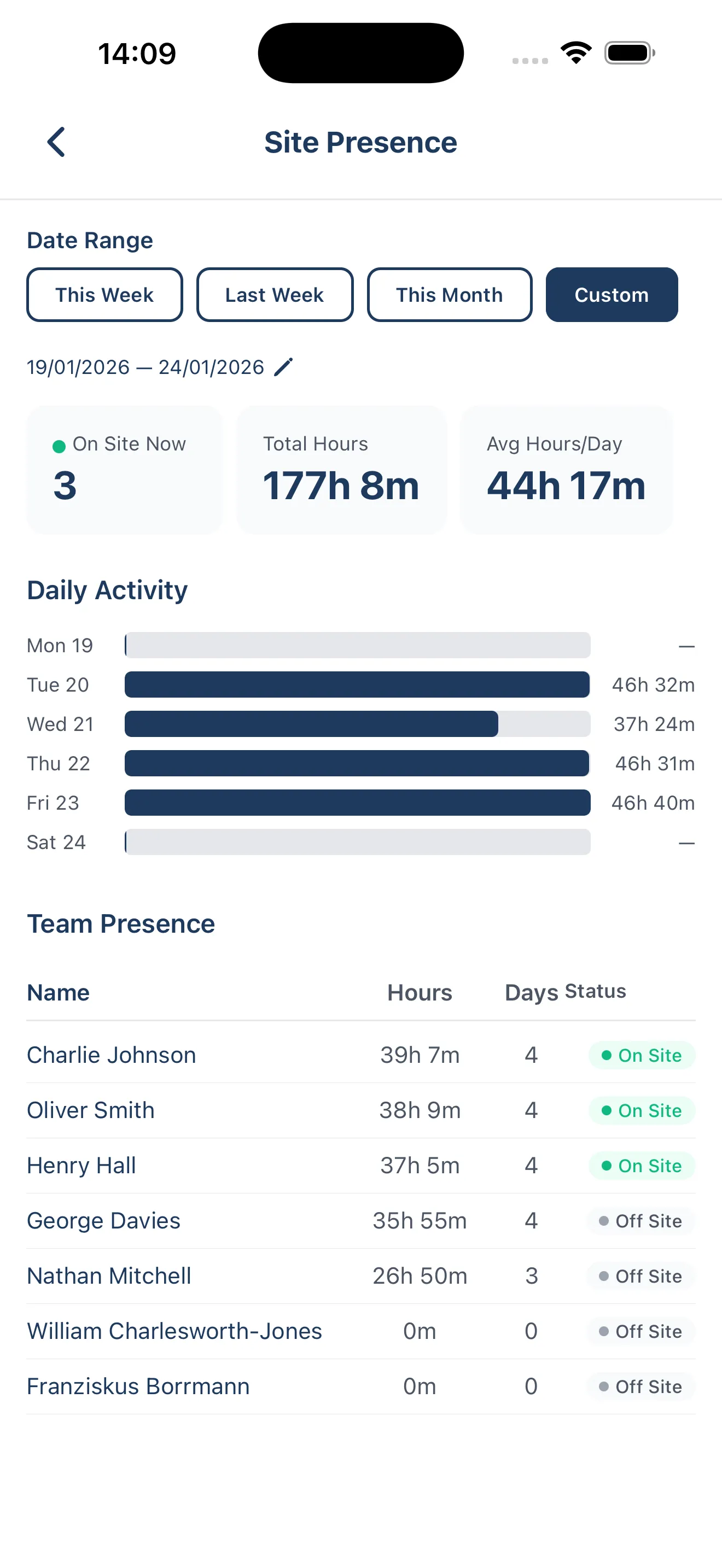
Everyone checks in. Every photo is logged and searchable.

Day 2

Every trade gets the update. You see who opened it.

Day 3

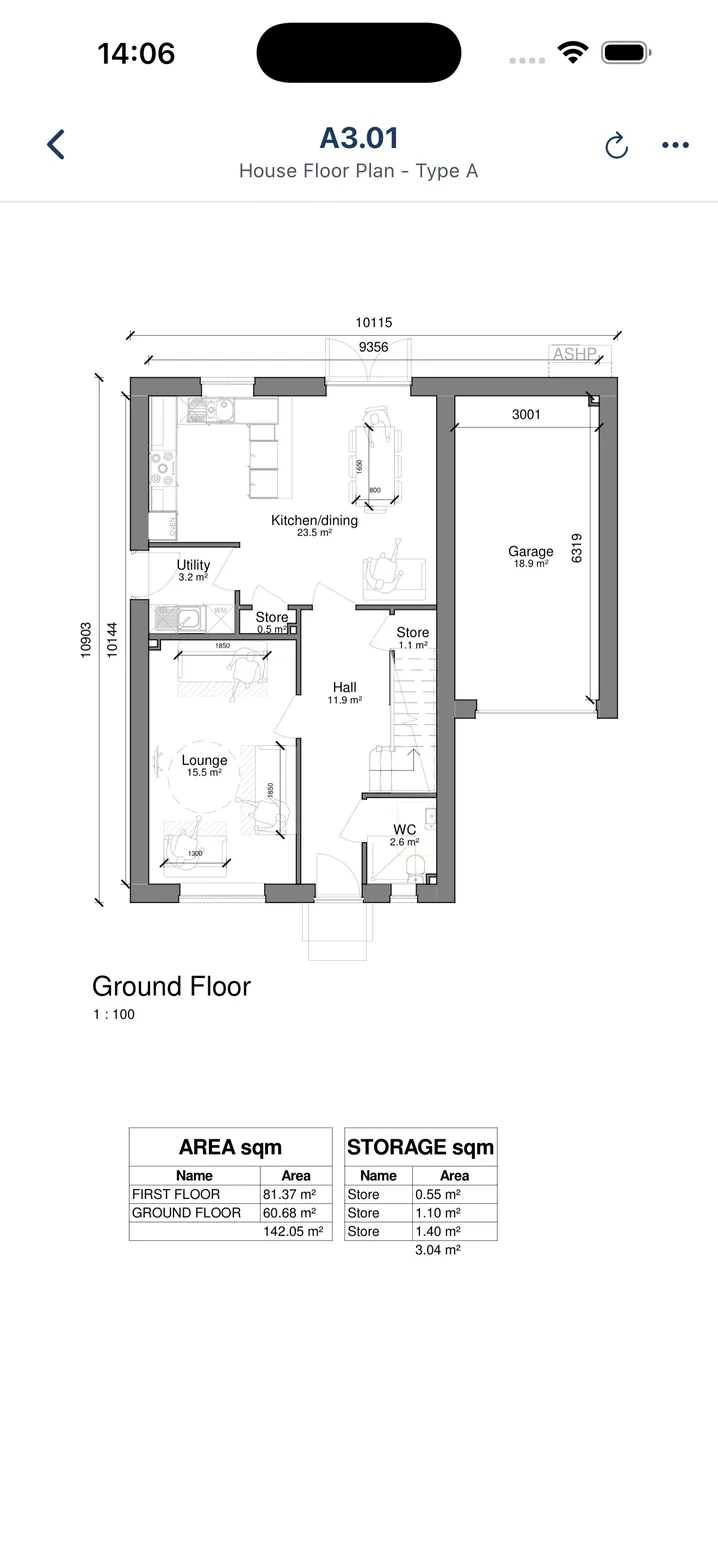
One drawing set. Always current. On every phone.

Day 4

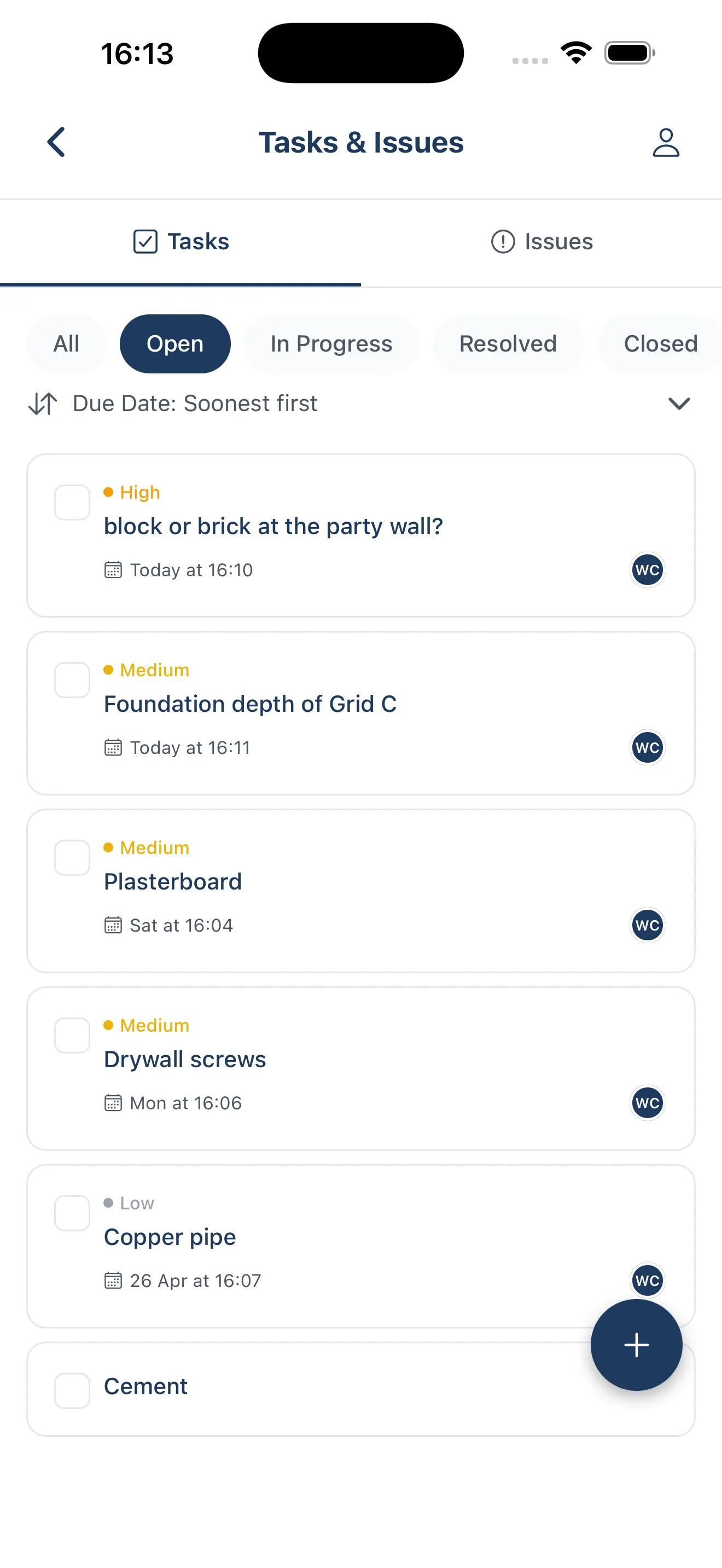
Every RFI and material request has an owner and a deadline.

Day 5

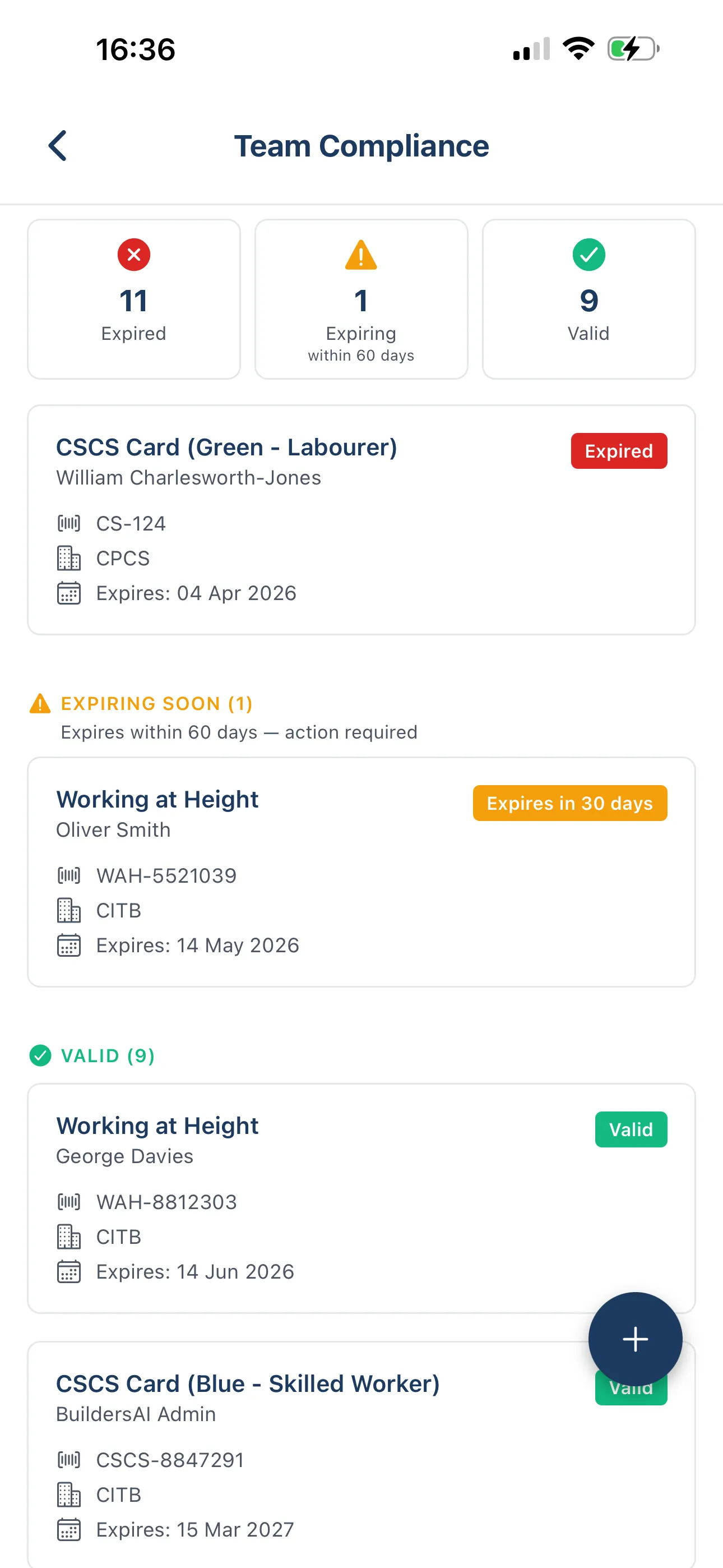
Certifications tracked automatically. Compliance proved, not assumed.

Day 6

Trades get instant answers. No more ringing the site manager.

Day 7

Directors see everything. Without calling site.

The problem is never the app. It is the rollout.

Most construction software fails because it asks too much on day one. Upload everything. Train everyone. Nobody does it, and the software never gets used.

BuildersAI introduces one habit at a time. The first two days take minutes and deliver immediate results. By day seven, your whole site is running on a system that works.

Simple enough for any trade.

Everyone checks in. Every photo is logged.

The problem

Nobody knows who is actually on site. Photos end up in personal camera rolls and WhatsApp albums. When something is disputed, there is nothing to show.

What you do

Each trade installs the app and checks in when they arrive. Photos are taken through the app, so every one is automatically geo-tagged, timestamped, and pinned to the exact location on site.

What you get

  • A live attendance record from day one
  • Every site photo organised and searchable
  • A timestamped record that holds up in a dispute
Day 1
BuildersAI site attendance screen
BuildersAI announcements screen with read receipts
Day 2
One post, everyone gets it.

Announcements replace the group chat.

The problem

You send an update at 08:30. By lunchtime, half the team has not seen it. You cannot prove who has seen it and who has not.

What you do

Post a site-wide announcement from the app. Every trade gets a push notification immediately. The system shows exactly who has opened it and when.

What you get

  • Every trade gets the update, not just the right group
  • Read receipts show exactly who has seen it
  • Critical instructions have a verifiable paper trail
Upload once, everyone has it.

The drawing set goes live on every phone.

The problem

Trades are working from drawings they found in old messages. Nobody is certain which revision is current. One trade builds to P02. The architect issued P05 three weeks ago.

What you do

Upload the full drawing set. When a new revision is issued, it replaces the old one on every phone automatically. There is only ever one version available.

What you get

  • No trade can work from an outdated drawing
  • The right version on every phone, automatically
  • Works offline in basements and poor signal areas
Day 3
BuildersAI drawing management screen showing current revision
BuildersAI task management screen
Day 4
Assign in seconds, chase never.

Every open item has an owner.

The problem

A material request disappears into a WhatsApp thread. An RFI gets no reply for a week. Nobody chases it because nobody is sure whose job it is.

What you do

Assign every request as a task to a specific person with a due date. Material requests, RFIs, snagging items: each has an owner, a deadline, and a visible status.

What you get

  • Nothing falls through a WhatsApp thread
  • Clear ownership on every open item
  • A full log of every request and when it was resolved
Add each worker once. It tracks itself.

Compliance is proved, not assumed.

The problem

You assume everyone on site is compliant because nothing has flagged otherwise. An HSE visit, a site incident, or a client audit changes that very quickly.

What you do

Add each worker once: CSCS card, first aid, induction, plant licences. Expired certifications flag automatically. You see the full compliance picture at a glance, any time.

What you get

  • Know who is compliant before they step on site
  • Automatic alerts when certifications are about to expire
  • Evidence ready if you are ever inspected
Day 5
BuildersAI compliance tracking screen

Day 6

Stop answering the same questions all day.

The phone stops ringing here.

Answers in seconds, 24 hours a day.

Trades message Sitebot like they message you.

The problem

Where is the latest M+E drawing? What is the blockwork spec? Who is the appointed person for hot works? These questions have answers. They should not require a phone call.

What you do

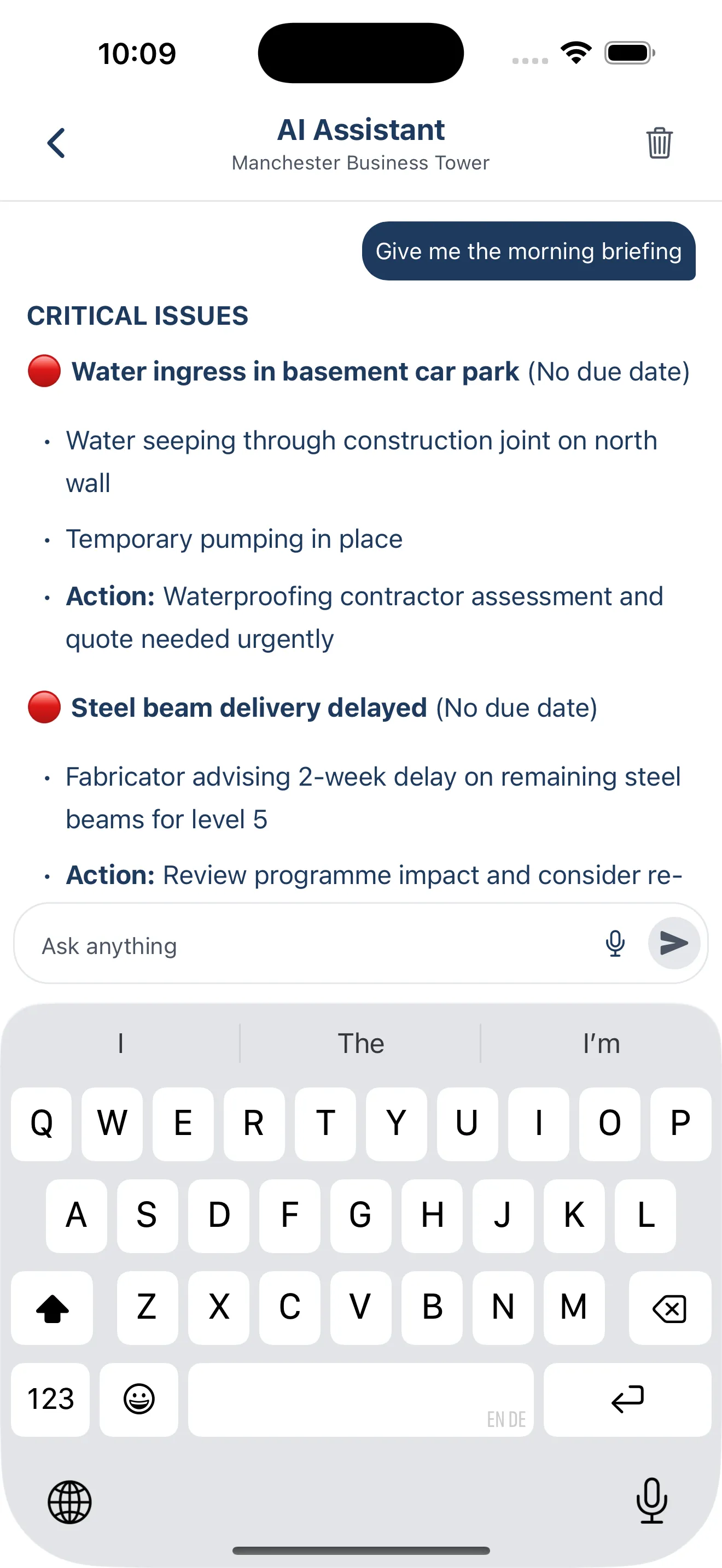
Sitebot has access to everything in your project: every drawing, document, photo, and update. Trades message it the same way they would message the site manager. It answers instantly, via the app or WhatsApp.

What you get

  • The site manager stops being the human search engine
  • Trades get accurate answers without waiting
  • Available via WhatsApp — no extra app required
Day 6
BuildersAI Sitebot AI assistant chat screen
Share access. No more Friday update calls.

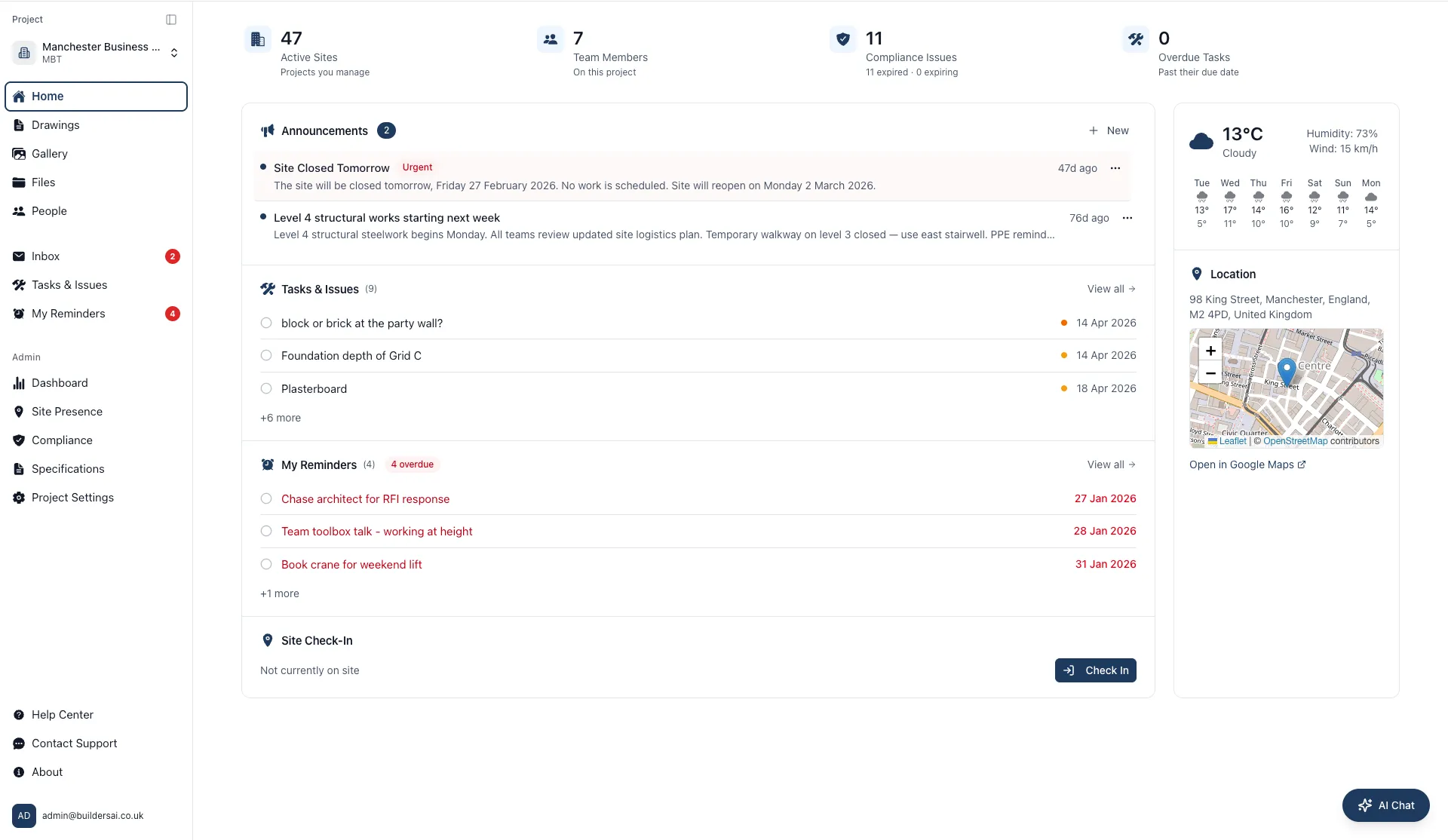
Directors see everything. Without calling site.

The problem

A director responsible for four sites has no visibility into any of them without interrupting the site team. The site manager becomes the reporting layer, on top of everything else.

What you do

Share project access with directors and PMs. They see live attendance, the full announcement history, current drawings, and the complete photo archive, from anywhere, on any device.

What you get

  • Full site visibility without interrupting the site manager
  • Directors see real data, not a summary from memory
  • One log-in covers every project they are responsible for
Day 7
BuildersAI director dashboard view

By day seven, the site runs itself.

You are no longer chasing people, digging through WhatsApp, or answering the same questions all day. The information is in the system. The trades find it. The directors see it.

Sites running BuildersAI have a complete attendance record, an organised photo archive, a live drawing set, and a searchable record of every instruction, update, and request from day one.

Book a Demo
1 day
Average time to go live
0
Training days required
£300/mo
For up to 50 users
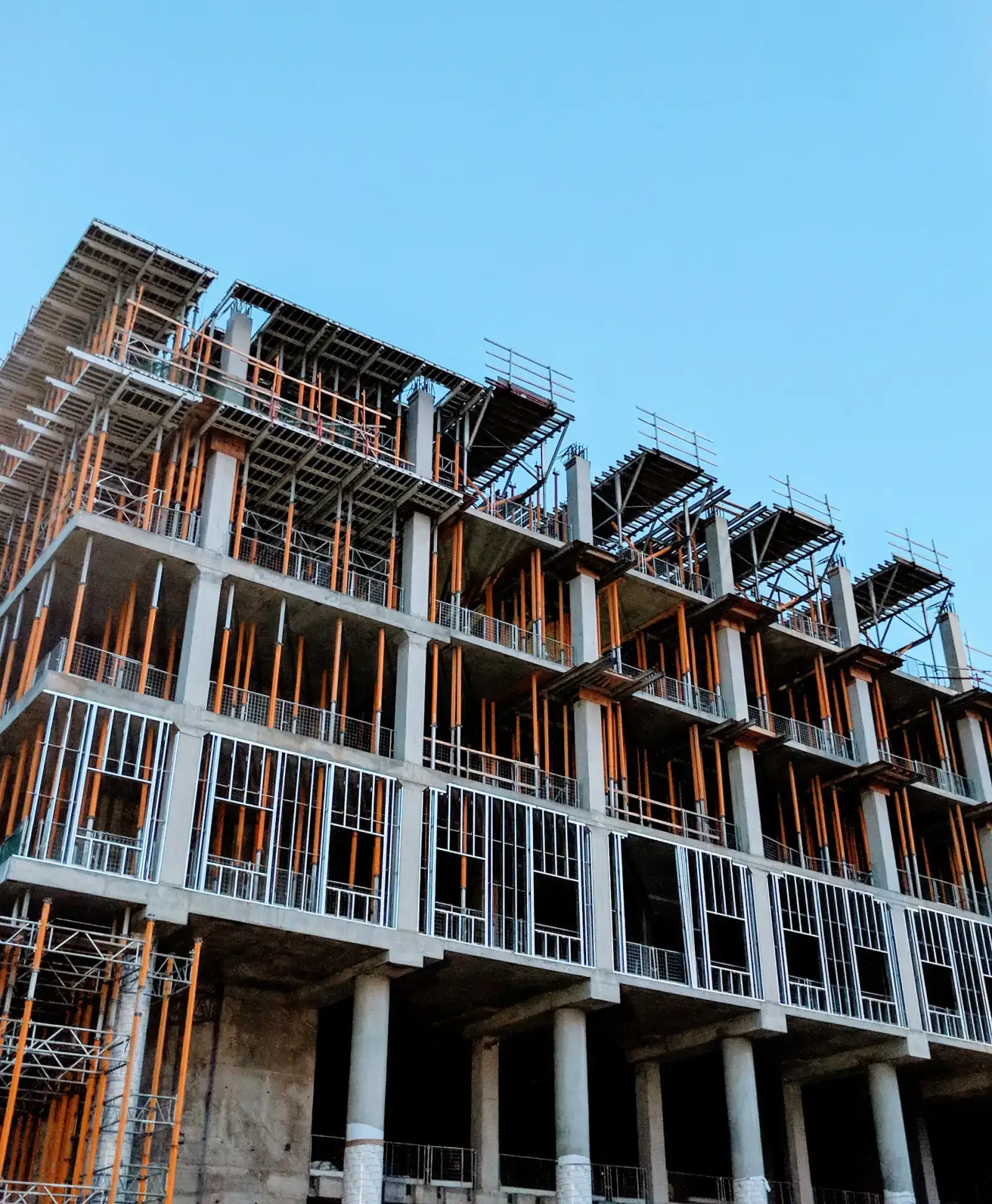
Aerial view of a well-organised UK construction site

See it working on a real project

15 minutes to start saving hours a day across your site.