
Cost Tracker
Whether a job is making money: the quote, what has gone out and what the client has paid.
- Browser
- For directors and owners
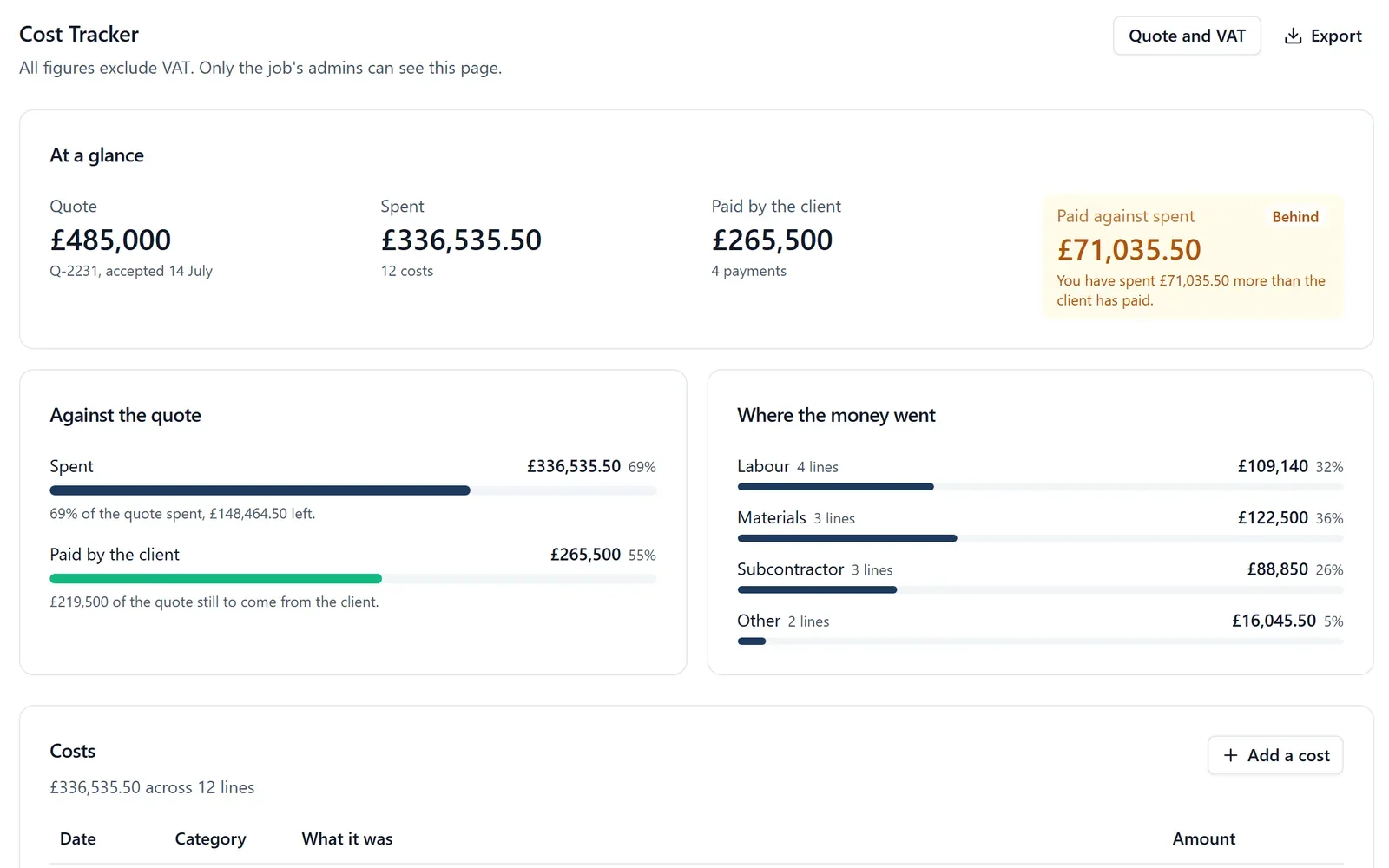
Most builders keep a spreadsheet for every job to answer one question: has the client paid more than we have spent, or are we carrying this job? The Cost Tracker is that spreadsheet, on the job it belongs to.
What it does
- Record the quote once, with its reference
- Add each cost as it happens: labour, materials, a subcontractor or anything else
- Add supplier invoices with the PDF and a cost code, and see spend by code
- Add each payment the client makes: a deposit, a stage payment or an invoice paid
- It shows whether you are ahead of the client or behind, and by how much
- It shows how much of the quote has been spent and how much is still to come
- Choose whether a job’s figures include VAT, and the page says which beside every figure
- Change orders the client has signed are added to the job’s agreed total
- Export supplier invoices and hours as bills for QuickBooks or Xero, or the lot as a spreadsheet
Why it matters on site
When you have spent £50,000 and the client has paid £30,000, that is the moment to look at what can be invoiced. On a spreadsheet you find out when you sit down to work it out. Here it is the first thing on the page.
Who sees it
Only the job’s admins, and the owners and admins of the company. Members never see a figure, in the browser, on the phone or through SiteBot. The client sees nothing unless you switch on their view of the money, and then only the agreed price, what they have paid and, on a cost plus job, the invoices you share. Costs and payments are typed in, and a supplier invoice can be read from its PDF or a photo for you to check. Nothing is read from your accounts package, and BuildersAI does not raise the invoice to your client.
Which plan
This is included in every plan, from £149 a month. Plans differ by how many people they seat, not by what the software does. See pricing.
How to use it
The manual page for this is in the Help Centre, and it is the same guide SiteBot reads inside the app. Read the guide.