
Every job at once
Search across every site you run, not one job at a time.
- Browser
- Phone and tablet
- For directors and owners
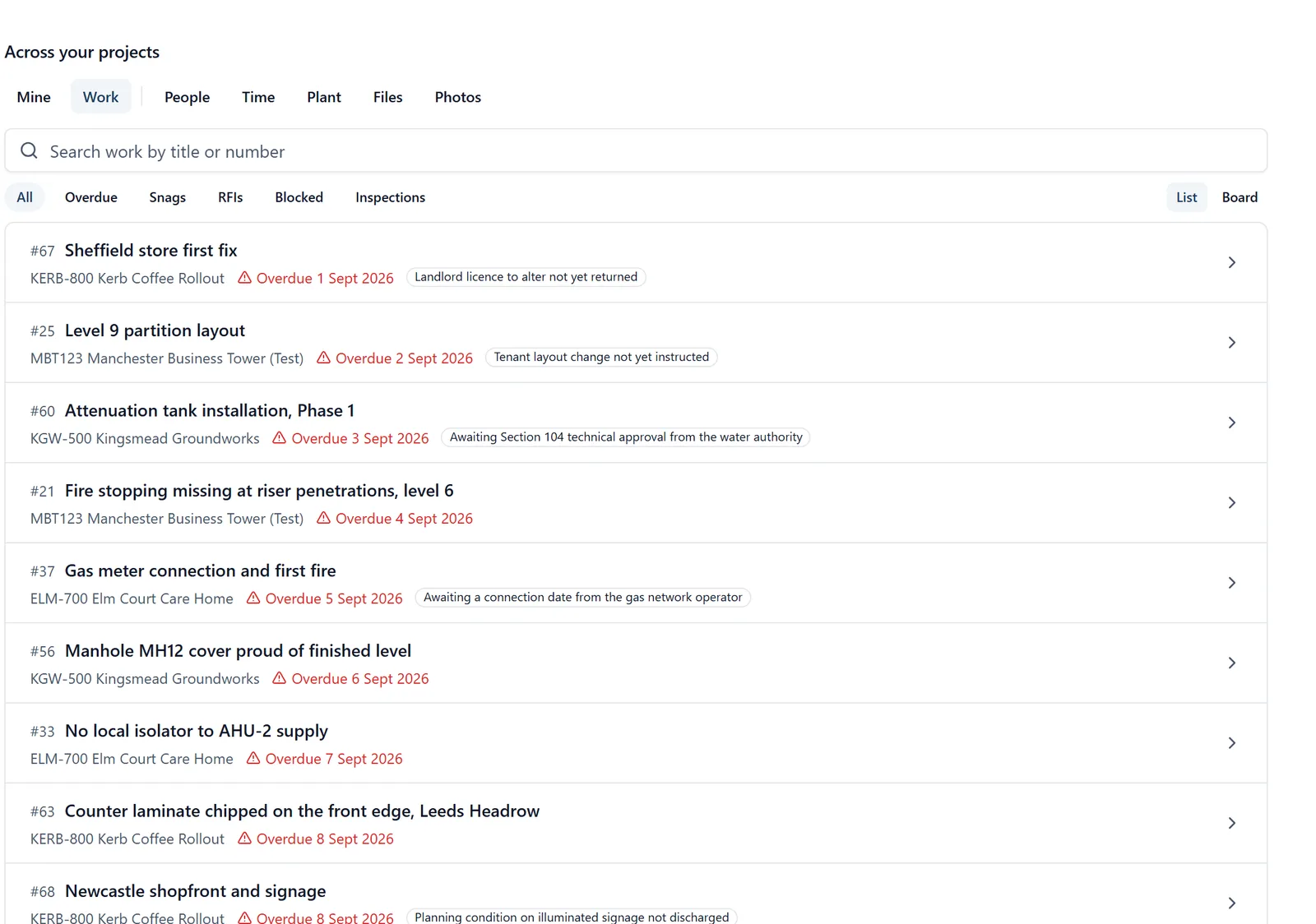
A director does not think in projects. They think in “where is that thing I saw last week”.
What it does
- Tasks, photographs and people across every project at once
- Search the lot rather than opening each job in turn
- Each result says which job it came from
- In a browser for everybody on a job, and on the phone for the people who administer it
Why it matters on site
Once you run more than three sites, opening them one at a time to find something stops being possible.
Which plan
This is included in every plan, from £149 a month. Plans differ by how many people they seat, not by what the software does. See pricing.
How to use it
The manual page for this is in the Help Centre, and it is the same guide SiteBot reads inside the app. Read the guide.