
Task boards
The whole job on one board, in whichever view answers the question you have.
- Browser
- Phone and tablet
- For directors and owners
- For site managers
- For subcontractors
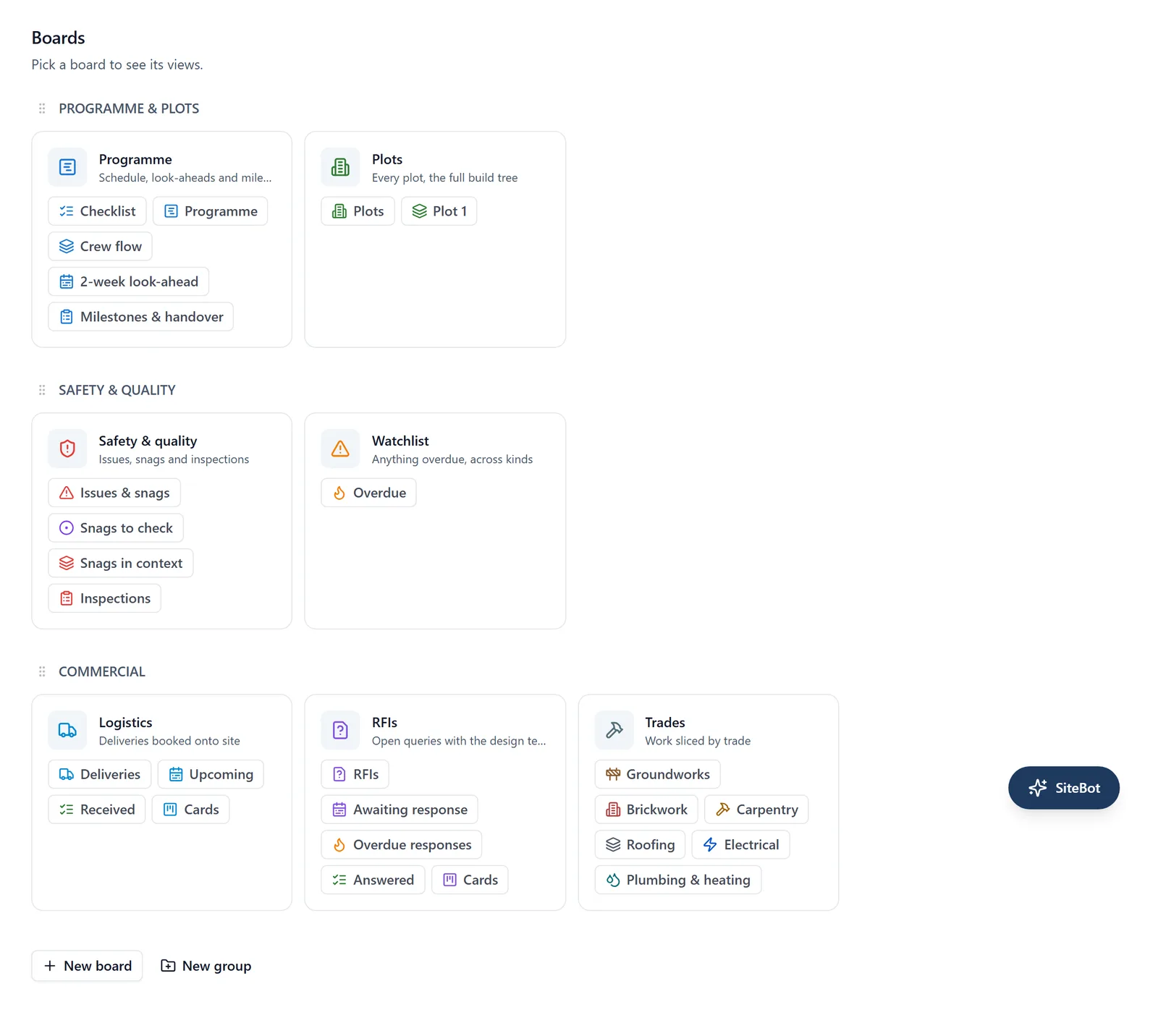
Work on a site is organised differently depending on who is asking. The board is one set of work with several ways of looking at it.
What it does
- One board per project, holding every piece of work on it
- Switch between views without moving anything
- Filter by trade, by person, by label or by status
- Export the list from a browser when somebody outside the app needs it
Why it matters on site
A site manager wants today. A director wants the month. A subcontractor wants their own trade. Giving each of them a separate spreadsheet is how three versions of the truth get started.
Which plan
This is included in every plan, from £149 a month. Plans differ by how many people they seat, not by what the software does. See pricing.
How to use it
The manual page for this is in the Help Centre, and it is the same guide SiteBot reads inside the app. Read the guide.