
Site attendance and timesheets
Who was on site, when they arrived, and how long they were there.
- Browser
- Phone and tablet
- For directors and owners
- For site managers
- For subcontractors
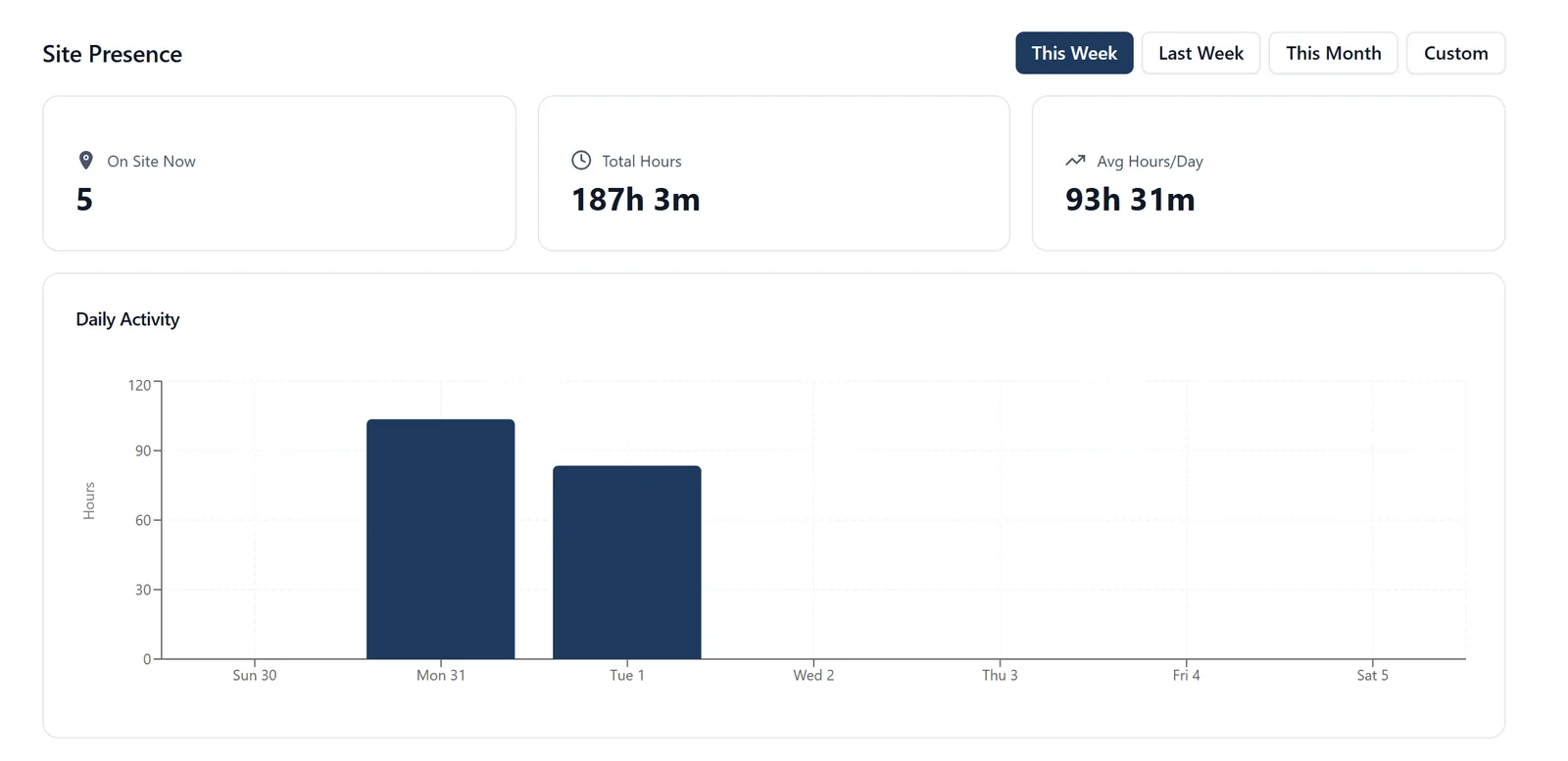
Attendance answers two separate questions: who is on site right now if something happens, and how many hours the job owes.
What it does
- Check in and out from the phone
- Each check-in says how far from the site it was made, and one made well away from it is marked rather than refused
- See who is on site at this moment
- Hours recorded per person and per project
- Correct a recorded time when somebody forgets, with the correction recorded rather than hidden
- Or keep a timesheet instead: a line per job saying what you did and how long, filled in day by day on the web or the phone, with or without signal
- Reported hours shown beside time on site, never added to it, and billed through the same Xero and QuickBooks exports
Why it matters on site
Checking in is a deliberate act, never something the app does behind your back, because a phone deciding on its own that somebody was at work is a payroll problem waiting to happen. It reads the phone’s location once, while the app is open, so the record says where the tap happened as well as when, and keeps only the distance from the site.
Which plan
This is included in every plan, from £149 a month. Plans differ by how many people they seat, not by what the software does. See pricing.
How to use it
The manual page for this is in the Help Centre, and it is the same guide SiteBot reads inside the app. Read the guide.