
Site photos
Every photograph from every phone, tagged automatically and findable months later.
- Browser
- Phone and tablet
- For directors and owners
- For site managers
- For subcontractors
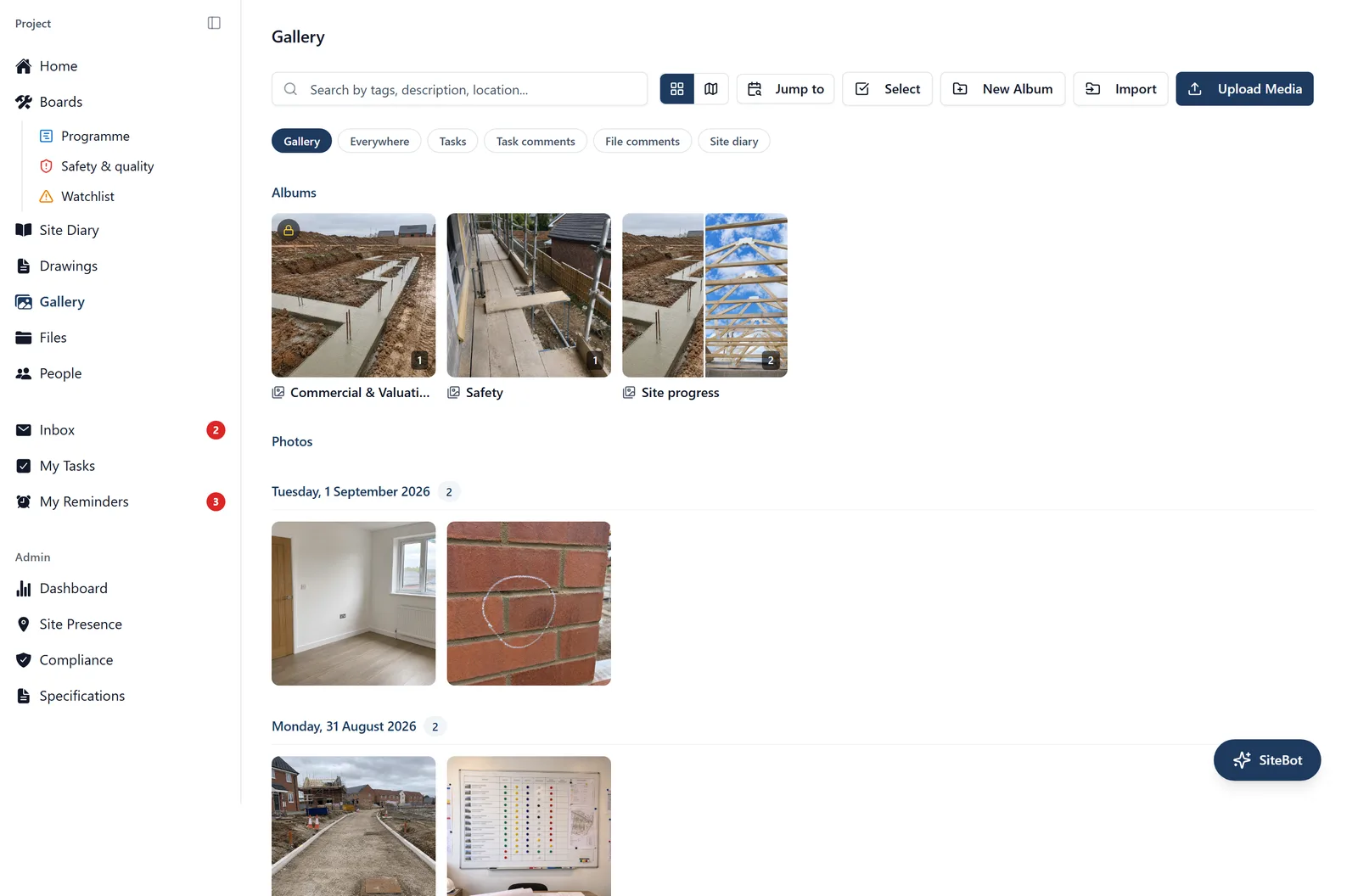
Photographs are the cheapest evidence a site produces and the hardest to find again. BuildersAI takes them on the phone, files them against the project, and describes each one, so you can search for what was in the picture rather than remembering the date.
What it does
- Shoot a run of photos inside the app, or add ones already on the phone
- Every photograph is tagged and described automatically, so nobody has to label them
- Search by what was in the shot, for example “cracked lintel” or “first fix plumbing”
- Records when and where each photograph was taken, and on which device
- Uploads carry on in the background and survive a drop in signal
Why it matters on site
The argument six months from now is about what the wall looked like before it was boarded. A photograph nobody can find is the same as one nobody took. This is what turns a phone camera roll into a record the job can use.
Which plan
This is included in every plan, from £149 a month. Plans differ by how many people they seat, not by what the software does. See pricing.
How to use it
The manual page for this is in the Help Centre, and it is the same guide SiteBot reads inside the app. Read the guide.