
Drawing on photos
Draw on the photo, point at the problem, and keep the conversation attached to it.
- Area
- On site
- Works on
- Browser, Phone and tablet
- How to use it
- Help Centre guide
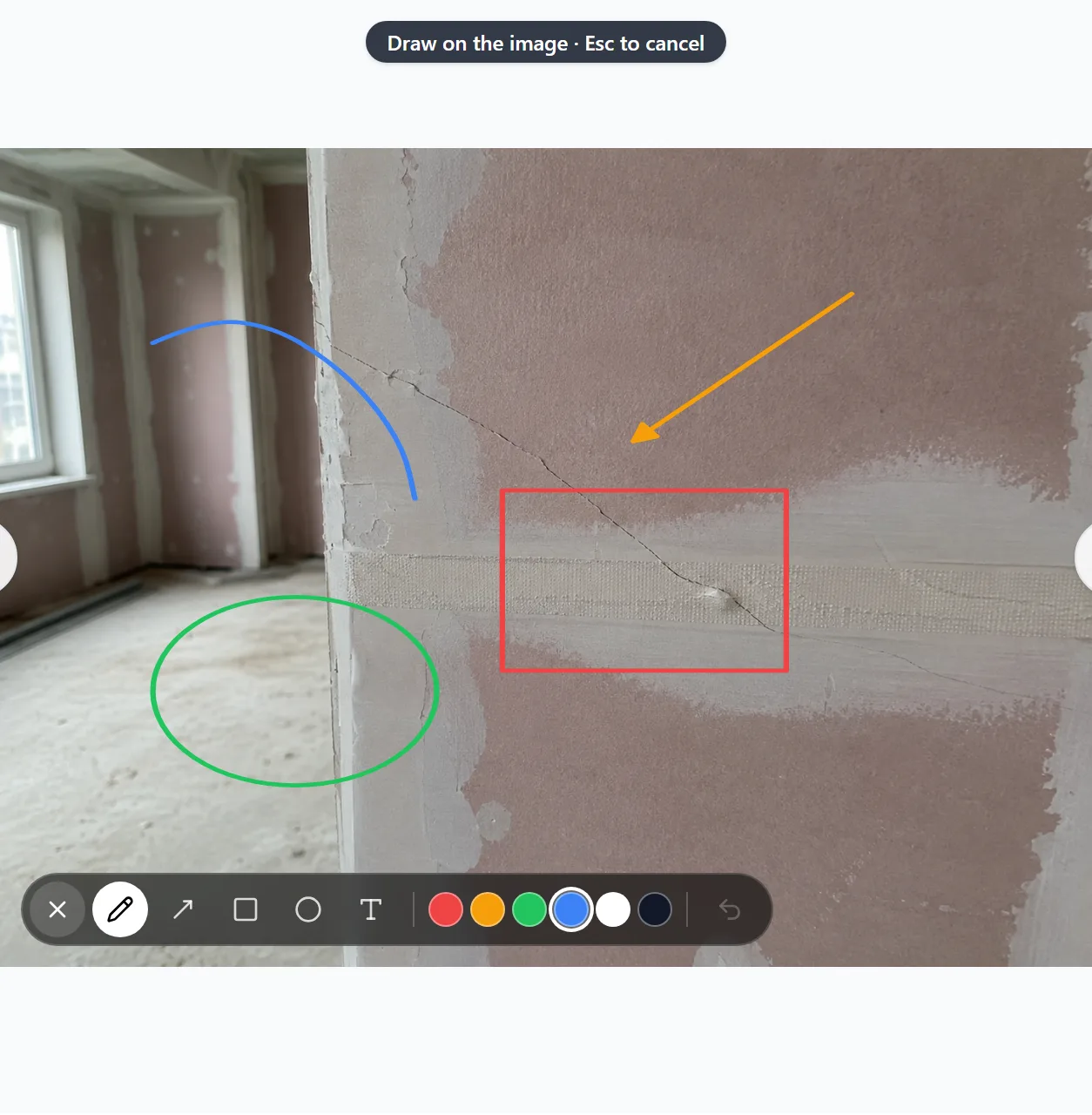
A photograph of a wall does not say which brick. Open any photograph and draw on it: freehand, arrows, rectangles and ellipses, in six colours.
What it does
- Draw directly on a photograph, on the phone or in a browser
- Drop points of interest on the exact spot that matters
- The same pens work on Drawings and on any PDF in Files, so you can ring a detail on the sheet the way you would on paper
- Markup stays on the revision it was drawn on: a new revision starts clean and the old one keeps what was drawn on it
- Give a photograph a title, so it reads as a record rather than a filename
- Discuss it in a thread that stays attached to the image
- Build an evidence pack from a set of photographs in a browser when something has to be proved
Why it matters on site
Marking the picture removes the sentence that usually gets misread. The subcontractor sees the circle, not a description of where the circle would go.
- Which plan
- This is included in every plan, from £149 a month. Plans differ by how many people they seat, not by what the software does. See pricing.
- How to use it
- The manual page for this is in the Help Centre, and it is the same guide SiteBot reads inside the app. Read the guide.
On site 03 more
Also in on site
| Feature |
|---|
| Site photos Every photograph from every phone, tagged automatically and findable months later. |
| Photo albums File thousands of site photographs into something a person can walk through. |
| Talk it in Say what happened, and it becomes a diary note, task or snag. |