
Specifications and document search
Ask the specification a question instead of scrolling two hundred pages of PDF.
- Browser
- Phone and tablet
- For site managers
- For subcontractors
- For directors and owners
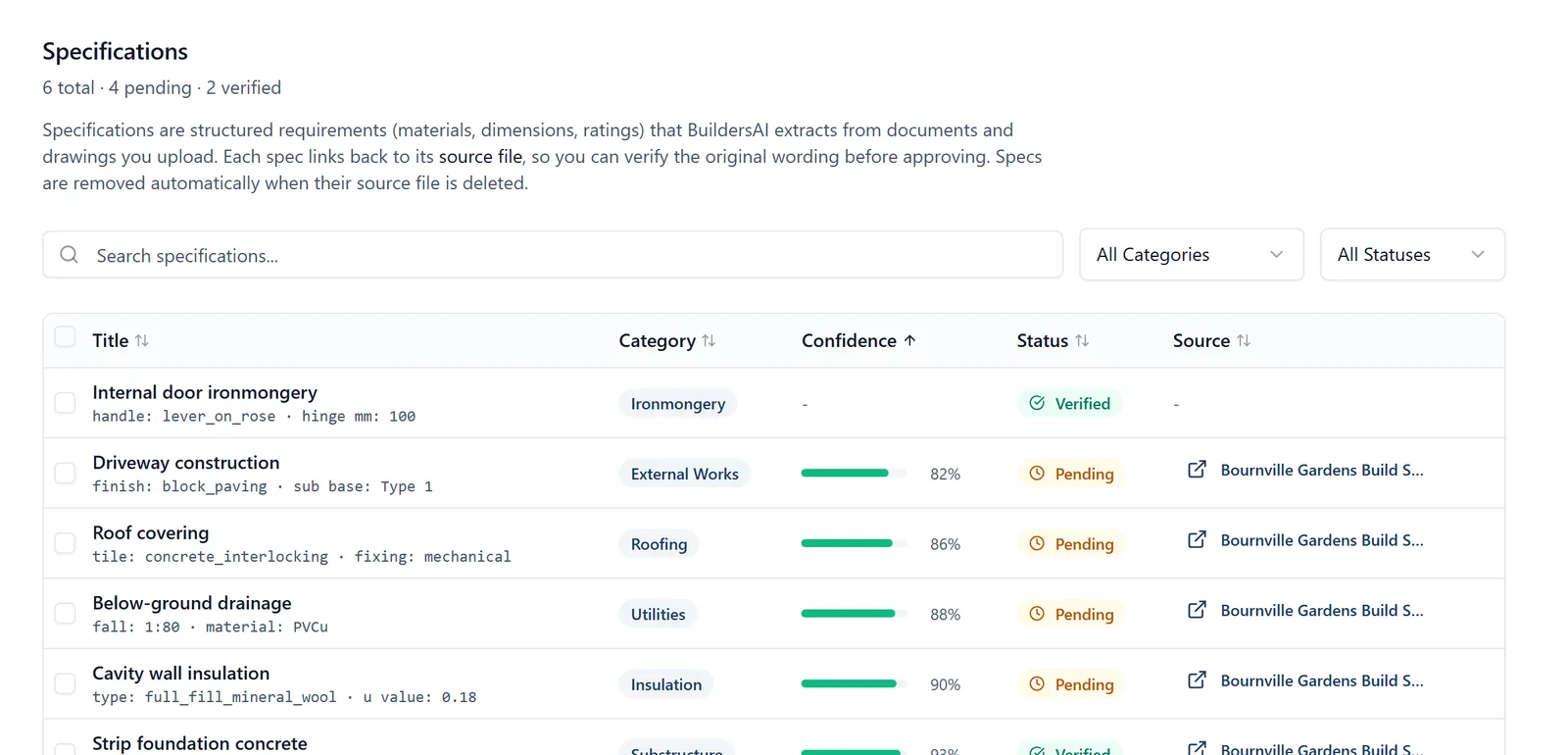
A specification is written to be complete, not to be read on a wet Tuesday while somebody waits for an answer.
What it does
- Upload the specification and the rest of the job’s documents
- Search across all of them at once
- Ask in your own words and get the passage that answers it
- Works from the phone, standing next to the thing in question
Why it matters on site
The choice today is usually between guessing and ringing the architect. Being able to find the clause in twenty seconds removes both.
Which plan
This is included in every plan, from £149 a month. Plans differ by how many people they seat, not by what the software does. See pricing.
How to use it
The manual page for this is in the Help Centre, and it is the same guide SiteBot reads inside the app. Read the guide.