
Project files
Every document for the job in one place, including the folders you already have.
- Browser
- Phone and tablet
- For directors and owners
- For site managers
- For subcontractors
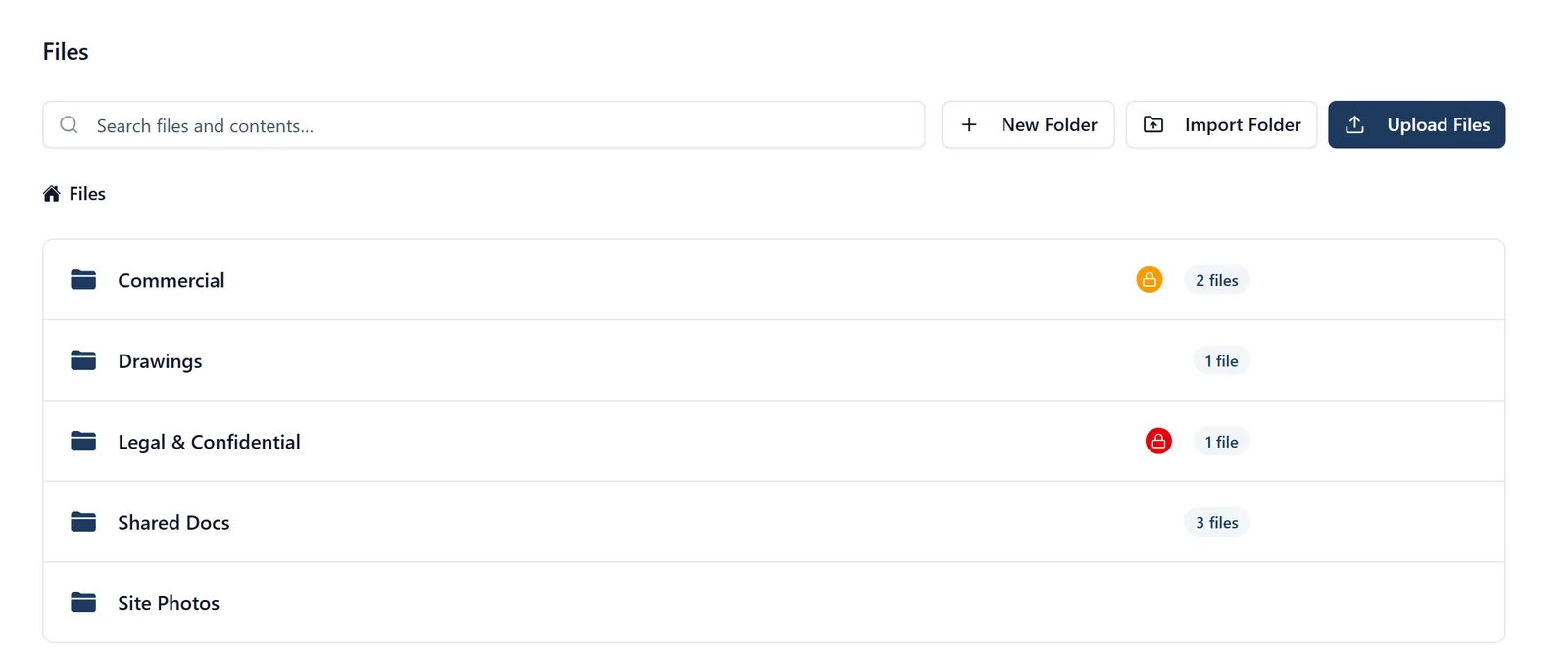
Most builders already have the documents. They are in a folder structure on somebody’s laptop, and that is where they stay.
What it does
- Upload a whole folder tree at once from a browser, with its structure intact
- Organise into folders inside the project
- Open anything from the phone on site
- Comment on a document in a browser, and keep the discussion with it
Why it matters on site
Moving in is the thing that kills adoption. Dragging the existing folder across and having it arrive the same shape is the difference between starting and meaning to start.
Which plan
This is included in every plan, from £149 a month. Plans differ by how many people they seat, not by what the software does. See pricing.
How to use it
The manual page for this is in the Help Centre, and it is the same guide SiteBot reads inside the app. Read the guide.