
Help when you are stuck
Report a problem from inside the app and get a reference, not a blank email.
- Area
- Setting up and running it
- Works on
- Browser, Phone and tablet
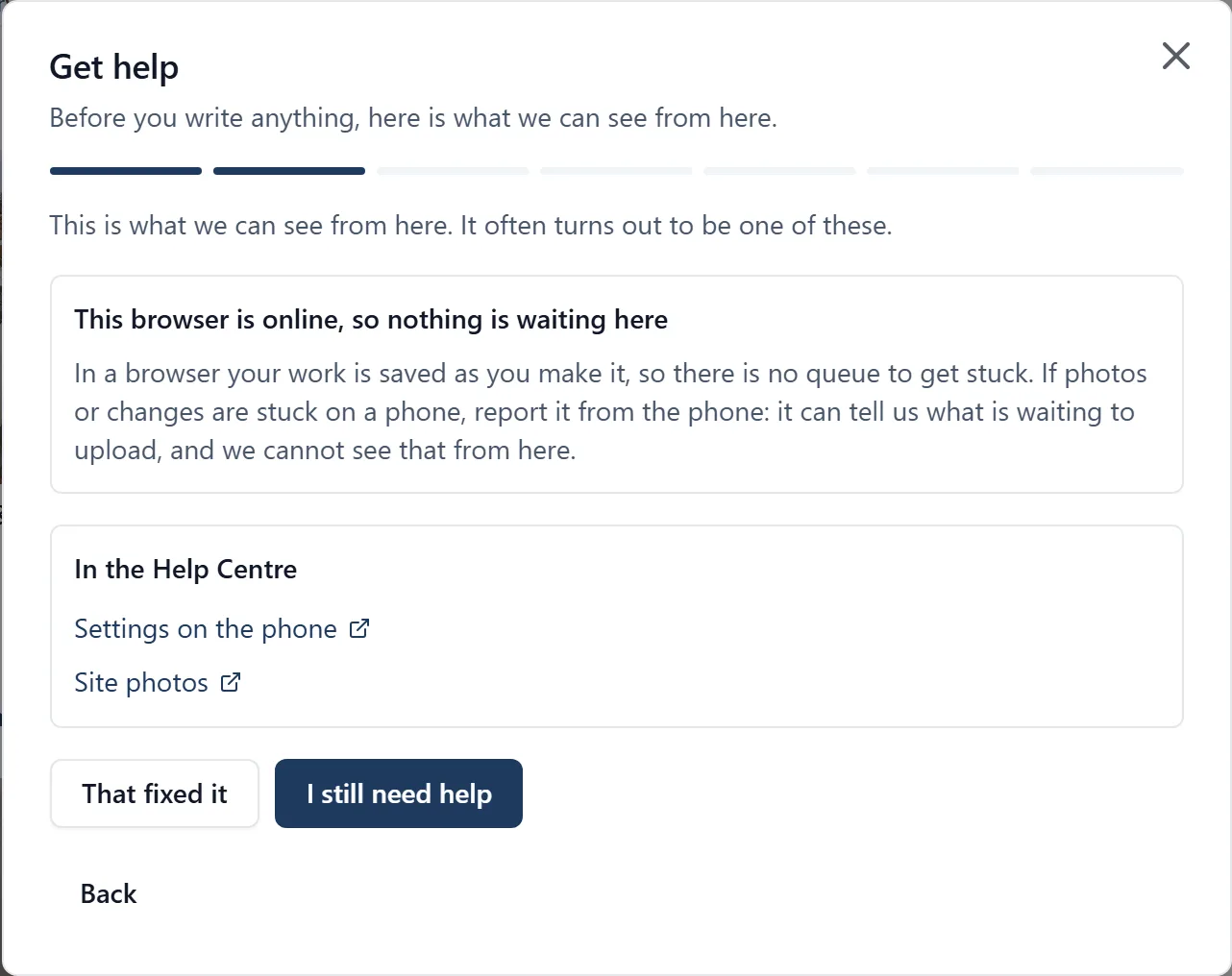
The version of this that most software ships is a link that opens a blank email, so every reply starts by asking which browser, which job, and what you were doing.
What it does
- A guided report that collects what we would otherwise have to ask for
- Attach screenshots to show us what you saw
- A reference, and a page where the conversation lives
- Answers appear in the app rather than only in your inbox
Why it matters on site
Support that costs three emails before it starts is support most people give up on. On a site, with one hand free, it has to be one screen.
- Which plan
- This is included in every plan, from £149 a month. Plans differ by how many people they seat, not by what the software does. See pricing.
Setting up and running it 02 more
Also in setting up and running it
| Feature |
|---|
| Demo projects Look round a demo project like your own work before you add a real job. |
| Closing a job out A finished job leaves the pickers and keeps every record, because records outlive the build. |