
Stage sign-off
Each stage of the work signed by whoever did it, with a photo, then signed off by the site.
- Browser
- Phone and tablet
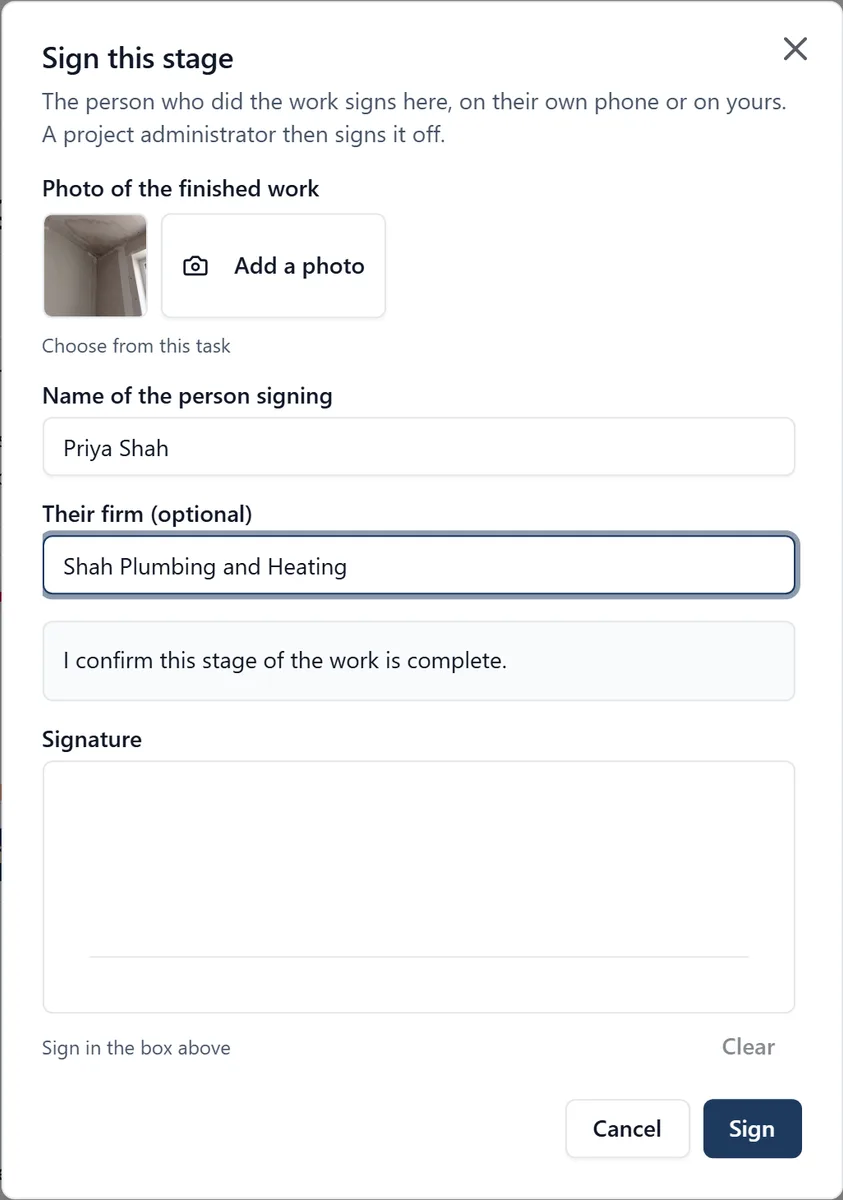
“Is first fix done on Plot 6?” usually means a phone call and somebody’s word. Here the stage is signed, with a photo, by the person who did it.
What it does
- The person who did the work signs the stage on their own phone or on yours, with a photo of the finished work
- A project administrator then signs it off, or sends it back with a reason
- See what is waiting to be signed off, plot by plot
- A signed stage cannot be changed, and a task with a sign-off cannot be deleted
Who sees it
Everybody on the job can see where a stage stands. Only a project administrator signs it off.
Which plan
This is included in every plan, from £149 a month. Plans differ by how many people they seat, not by what the software does. See pricing.
How to use it
The manual page for this is in the Help Centre, and it is the same guide SiteBot reads inside the app. Read the guide.