
Task templates
Set up the same kind of job once, then start the next one in a minute.
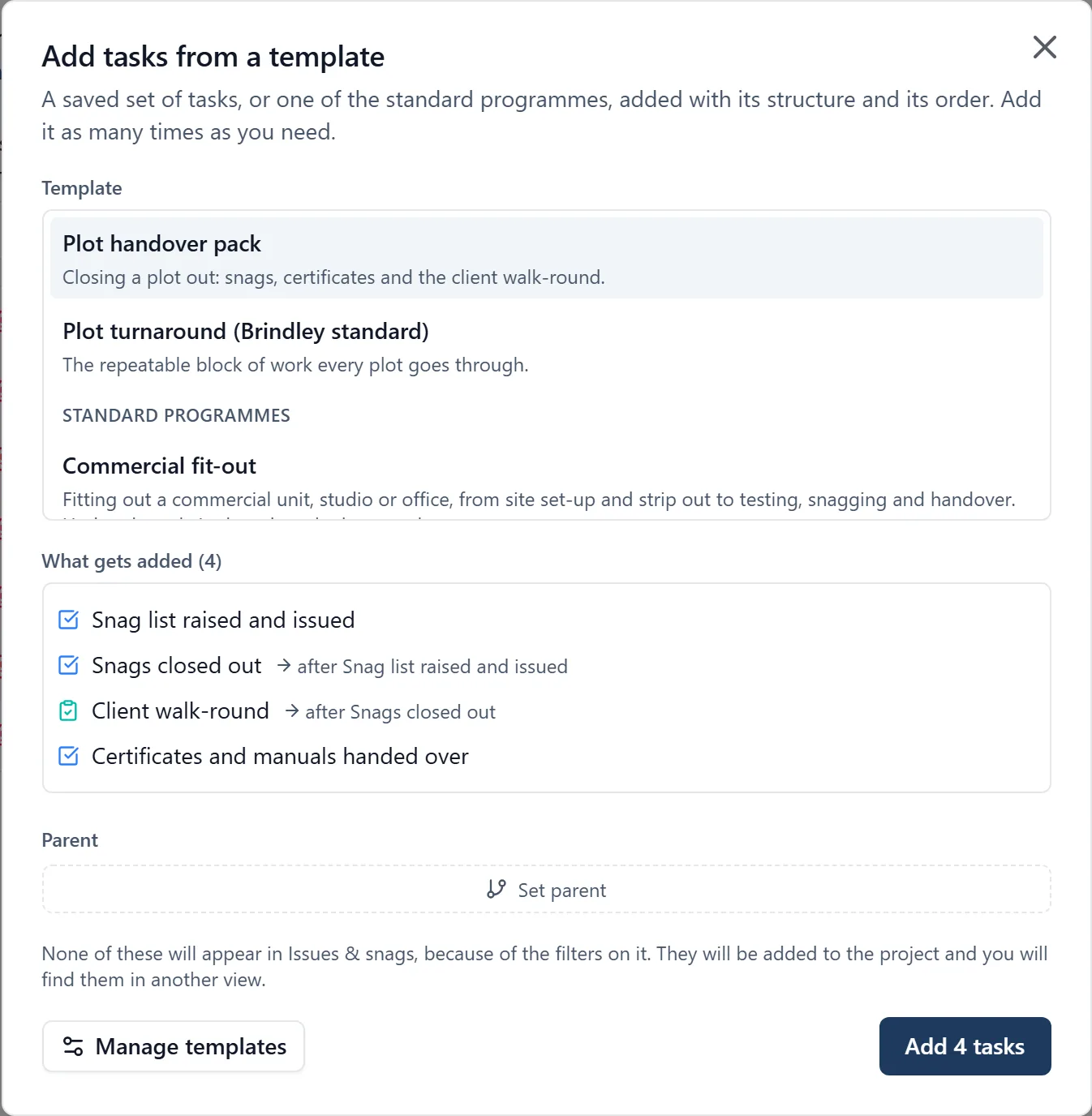
Most builders do a handful of kinds of job over and over. The second bathroom refit should not need typing out again.
What it does
- Save a set of tasks as a template
- Apply it to any new project
- Keeps the order and the relationships between the tasks
- Edit the template as the way you work changes
Why it matters on site
The setup cost of a new job is the biggest reason a system gets abandoned after the first project. Templates are how the second job takes ten minutes rather than an afternoon.
Which plan
This is included in every plan, from £149 a month. Plans differ by how many people they seat, not by what the software does. See pricing.
How to use it
The manual page for this is in the Help Centre, and it is the same guide SiteBot reads inside the app. Read the guide.