
Labels
Tag work with your own words: plot numbers, trades, floors, whatever the job uses.
- Browser
- Phone and tablet
- For site managers
- For directors and owners
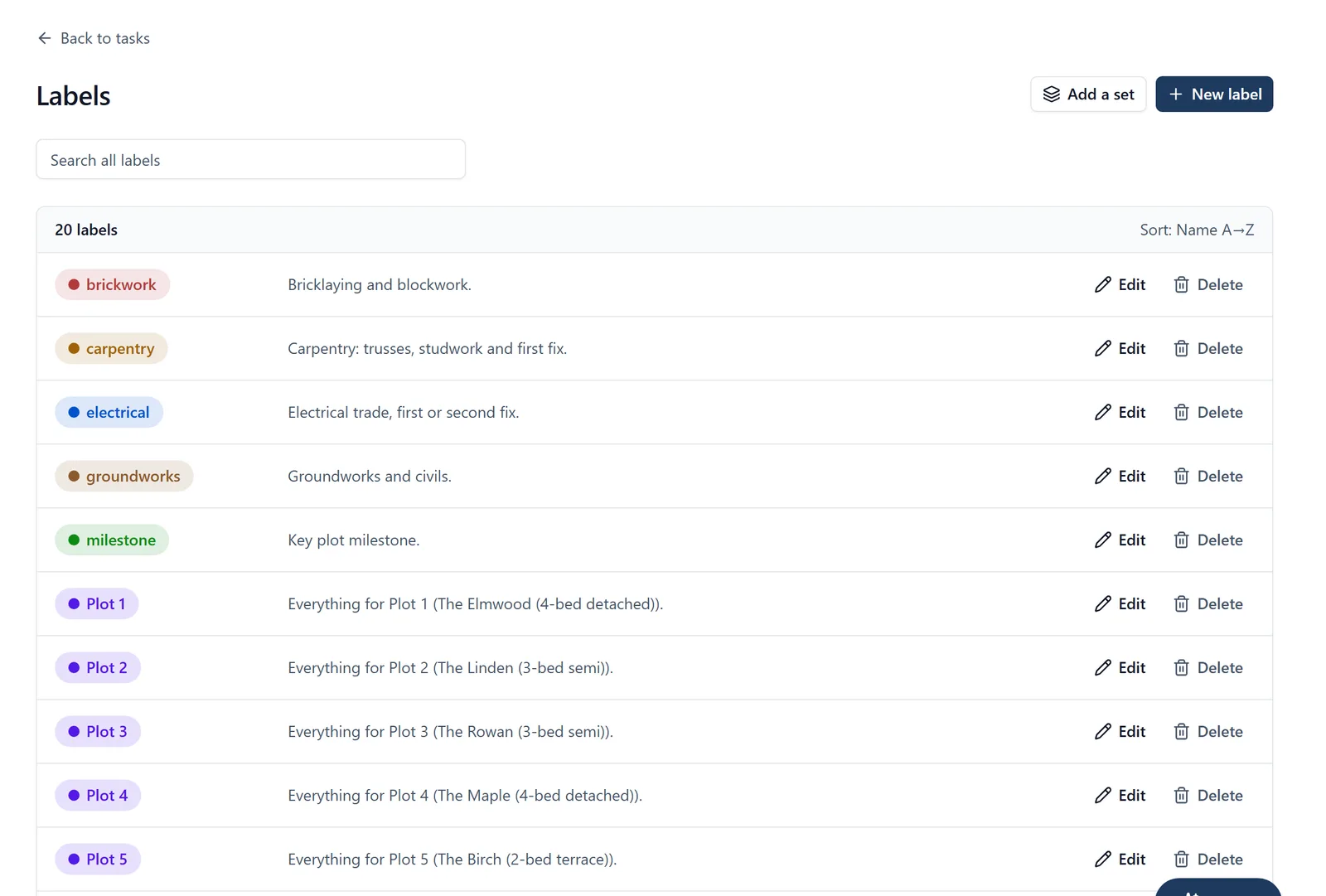
Every job has its own vocabulary. Labels let the project use it rather than ours.
What it does
- Create labels in a browser for anything the job sorts work by
- Group them into sets in a browser, for example one set for plots and one for trades
- Tag work with them on the phone or in a browser, and filter by them
- Sorted the way a person expects, so Plot 2 comes before Plot 10
Why it matters on site
Nobody adopts a system that makes them rename their plots. Labels are how the app learns the site’s language instead.
Which plan
This is included in every plan, from £149 a month. Plans differ by how many people they seat, not by what the software does. See pricing.
How to use it
The manual page for this is in the Help Centre, and it is the same guide SiteBot reads inside the app. Read the guide.