Most construction apps fail when WiFi drops because they rely on constant server connections. True offline-first apps store data locally and sync automatically when connectivity returns. For UK sites, where steel frames, concrete, and poor 4G create dead zones, only BuildersAI and Fieldwire offer full offline functionality. Always test with airplane mode before committing to a platform.
Why Connectivity Fails on UK Construction Sites
You are in the basement of a new build in Manchester, trying to mark a defect on your site management app. The signal bars disappear. The app freezes. The loading spinner mocks you. You give up and grab a piece of paper.
This scenario plays out thousands of times daily across UK construction sites. Most mobile-first construction apps fail the moment WiFi drops or you walk into a steel-framed structure.
The Physics of Signal Loss
Modern building materials create accidental Faraday cages:
Reinforced concrete (8 inches): 31+ dB signal loss
Structural steel/metal studs: 32-50 dB loss
Metal roof panels: 30-50 dB loss
Thick brick/masonry: 50-90% signal reduction
The reality: most UK construction workers spend 40-60% of their day in areas with poor or zero connectivity.
Scotland Highlands & Islands: Remote project sites often have zero 4G coverage. Starlink satellite is increasingly common but requires clear sky visibility, useless inside structures.
Rural Wales: Coverage gaps in valleys and mountainous areas. Indoor coverage drops significantly once structural steel is in place.
London Basements: Surprisingly problematic. Deep excavations for commercial fit-outs and residential basements create complete signal blackouts despite excellent surface coverage.
Northern Industrial Sites: Steel-framed warehouses and manufacturing facilities in the Midlands and North create the worst indoor coverage scenarios.
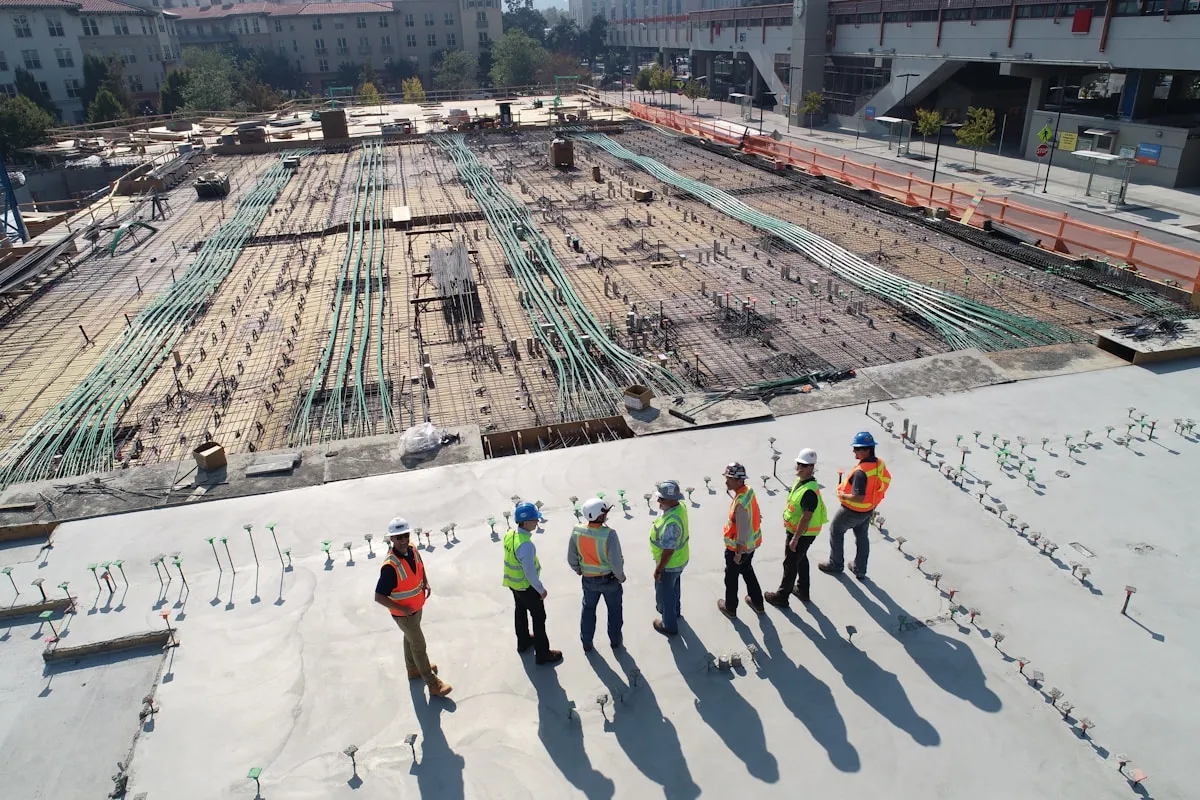
Steel-framed and concrete structures create signal dead zones throughout the building lifecycle
What Does Offline Mode Actually Mean?
Marketing teams love the phrase “works offline,” but technical implementation varies wildly.
View-Only Offline (Weakest)
Caches recently viewed documents
Can read plans, view tasks, browse photos
Cannot edit anything or complete forms
Partial Offline (Limited)
Some features work offline, others do not
Syncing is manual
Common in mobile-optimised traditional software
True Offline-First (Full Functionality)
All features work identically online or offline
Automatic background sync when connectivity returns
Intelligent conflict resolution
The app does not know or care about network state
Steel-framed structures and underground work create dead zones where standard apps fail
App Comparison
We tested these apps on three UK construction sites over two weeks, including a basement fit-out in London, a steel-framed warehouse in Birmingham, and a rural residential project in Wales. Testing focused on airplane mode functionality and sync reliability.
Feature
BuildersAI
Fieldwire
PlanGrid
Procore
View plans
Full
Full
Full
Cached
Create tasks
Full
Good
Limited
No
Take photos
Full
Yes
Yes
No
Team management
Full
Some
No
No
Auto sync
Yes
Manual
Manual
No
BuildersAI: 5/5 (Full Offline-First)
BuildersAI is architected for offline-first operation:
AI document search, find answers from your plans and specs instantly
View all project plans (stored locally)
Take and upload geotagged photos
Create and update tasks and issues
Manage team and check site presence
Automatic background sync
Best for: Any UK project needing AI-powered document search and reliable offline capability. Note: BuildersAI focuses on AI-powered site coordination and document management, no financial or CIS features. See our small builders software guide for how it fits SME workflows.
Fieldwire: 4/5 (Good Offline)
Solid offline capabilities for plan viewing and task management. You must explicitly download plans for offline use.
PlanGrid: 3/5 (Plan Viewing, Limited Editing)
Focuses on offline plan access but limits editing capabilities. Primarily a viewing tool when offline.
Procore: 2/5 (View-Only Cached Content)
Caches recently viewed content but offers minimal offline editing. Essentially read-only when offline.
How to Test Offline Capability
Marketing claims mean nothing. Test offline functionality yourself:
The Basement Test (15 Minutes)
Download the app on your phone
Load a test project with at least one PDF plan
Wait for full sync
Enable Airplane Mode
Attempt realistic workflows:
Open the plan (does it load?)
Take a photo and add notes (can you?)
Create a new task (is it allowed?)
Update an existing task status (does it work?)
Note what works and what shows errors
Disable Airplane Mode
Verify all offline changes sync to the server
Quality offline-first apps handle this gracefully. Poor implementations lose data or create duplicate records. We tested all major options, see our best construction apps roundup for full results.
Always test offline mode by enabling airplane mode and performing real tasks before committing
FAQ
What construction apps work offline?
BuildersAI and Fieldwire offer the best offline functionality for UK construction sites. BuildersAI provides full offline-first capability including AI document search, photo capture, task management, and team coordination. Fieldwire offers strong plan viewing and task management offline. Procore and PlanGrid have limited offline modes, primarily view-only cached content.
Why do construction apps need to work offline?
UK construction sites regularly experience signal dead zones. Steel-framed structures block 99%+ of signal, reinforced concrete causes 31+ dB loss, and indoor 4G coverage drops to 78-84% in rural areas. Workers spend 40-60% of their day in areas with poor or no connectivity. Apps that require constant internet simply don’t work in these conditions.
How do I test if a construction app really works offline?
Enable airplane mode after syncing your project data, then attempt realistic workflows: open plans, take photos, create tasks, update statuses. Quality offline-first apps handle this gracefully. Poor implementations show errors, lose data, or create duplicate records when you reconnect. Always test before committing to a platform.
What's the difference between offline mode and offline-first?
“Offline mode” typically means cached content you can view but not edit. “Offline-first” means the app works identically whether online or offline, all features function, data is stored locally, and changes sync automatically when connectivity returns. For construction sites, offline-first is essential.
Does Procore work offline?
Procore has limited offline functionality. It caches recently viewed content for read-only access but does not support offline editing, photo capture, or task creation. For sites with unreliable connectivity, Procore’s offline capability is insufficient. Consider pairing it with an offline-first field app like BuildersAI or Fieldwire.
Conclusion
If your construction app requires constant connectivity, it is not fit for construction sites. The physics of building materials, the economics of site infrastructure, and UK mobile coverage make connectivity failure inevitable.
Offline-first apps acknowledge this reality. They provide instant responsiveness, preserve work during signal drops, and sync intelligently when possible. For a broader look at which platforms suit your needs, see our complete guide to construction software for UK builders. For site management apps specifically, offline capability should be your first evaluation criterion.
The future of construction software is offline-first. Everything else is a compromise that costs your team productivity.
BuildersAI: Built Offline-First
BuildersAI works identically whether you have full 4G, patchy signal, or no connectivity at all. Every feature, AI document search, plans, photos, tasks, team coordination, works offline with automatic background sync.
No more lost data. No more loading spinners. No more paper workarounds.
The BuildersAI team combines decades of UK construction industry experience with technology expertise. Our writers include former site managers, quantity surveyors, and construction consultants who understand the daily challenges of running building projects.
The construction industry is moving to the cloud, but is it right for your firm? We compare cloud, on-premise, and hybrid construction software for UK builders.
We tested construction apps on three UK sites over two weeks. Here are the best apps for site managers, subcontractors, and safety officers - with honest assessments of offline capability and real-world usability.
Independent comparison of construction software for UK builders. Covers CIS compliance, offline capability, Sage/Xero integration, and honest pricing analysis for firms of all sizes.
9 min read
Get started
Ready to bring your whole team onto
one simple app?
14-day free trial with every feature, no card and no contract, and your team can be set up
within a day.